
How to Get Teams to Use Project Management Software
Learn how to get your team to consistently use project management software. Improve adoption, build habits, and make the system part of daily work.
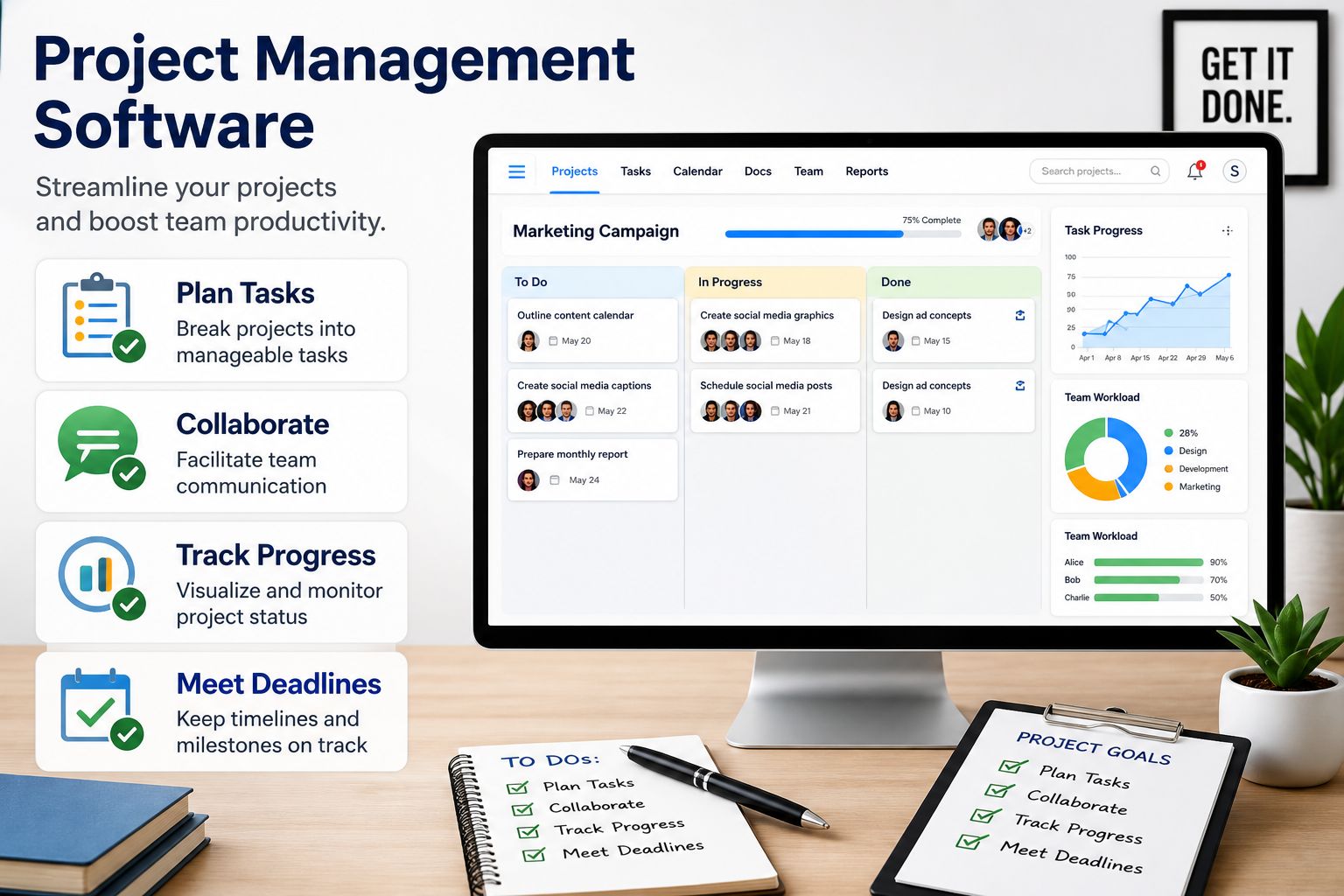
Most teams that struggle with project delivery are not short on talent. They are short on a shared system. Work gets tracked across email threads, Slack messages, shared drives, and someone's personal to-do list. Nothing connects. Deadlines slip not because nobody cared but because nobody had full visibility.
Project management software fixes that by giving every task, deadline, file, and conversation one authoritative home. This guide covers what the software actually does, which tools lead in 2026, how to evaluate them honestly, and what to expect on pricing.
Project management software is a digital platform that helps teams plan, assign, track, and deliver work by centralizing tasks, timelines, files, communication, and resources in one place. It replaces the spreadsheet-plus-email-plus-chat stack that most teams outgrow within the first year of real growth.
The core things every serious platform handles:
• Task creation, assignment, and due dates with subtasks and dependencies
• Multiple views: Gantt chart, Kanban board, calendar, timeline, and list
• Workload and resource management so no one is over-allocated
• Time tracking and budget monitoring
• Dashboards and reporting across projects
• Workflow automation to eliminate repetitive manual steps
• File sharing, comments, approvals, and real-time collaboration
• Integrations with Slack, Google Workspace, Microsoft 365, GitHub, and other tools your team already uses
• AI assistance for task summarization, risk flagging, and auto-scheduling (standard in 2026)
Five tools appear at the top of every credible comparison list: monday.com, Asana, ClickUp, Wrike, and Jira. Beyond those five, Trello, Smartsheet, Airtable, Notion, and Basecamp each serve specific contexts well. Here is how the field breaks down:
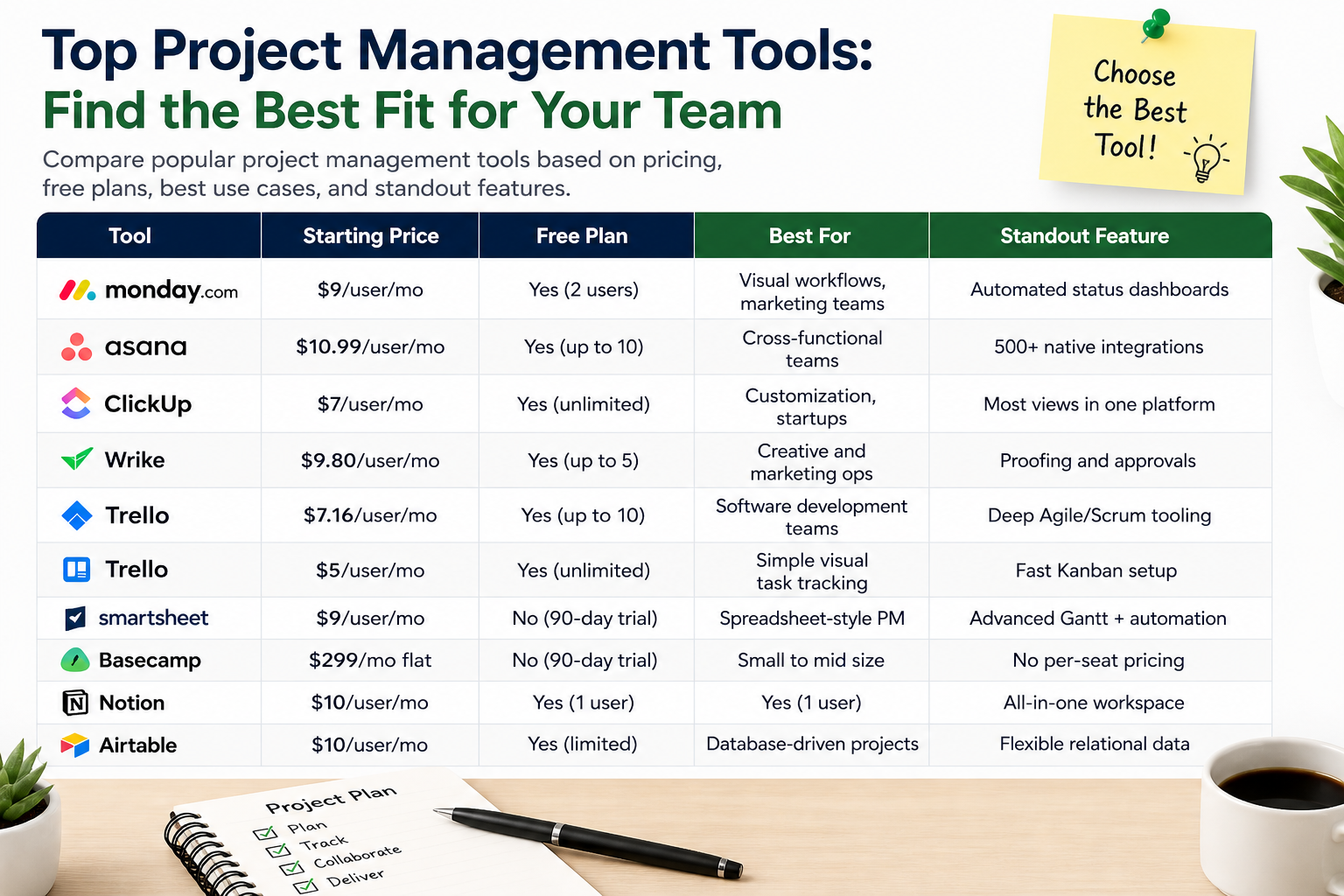
Tool | Starting Price | Free Plan | Best For | Standout Feature |
|---|---|---|---|---|
monday.com | $9/user/mo | Yes (2 users) | Visual workflows, marketing teams | Automated status dashboards |
Asana | $10.99/user/mo | Yes (up to 10) | Cross-functional teams | 500+ native integrations |
ClickUp | $7/user/mo | Yes (unlimited) | Customization, startups | Most views in one platform |
Wrike | $9.80/user/mo | Yes (up to 5) | Creative and marketing ops | Proofing and approvals |
Jira | $7.16/user/mo | Yes (up to 10) | Software development teams | Deep Agile/Scrum tooling |
Trello | $5/user/mo | Yes (unlimited) | Simple visual task tracking | Fast Kanban setup |
Smartsheet | $9/user/mo | No | Spreadsheet-style PM | Advanced Gantt + automation |
Basecamp | $299/mo flat | No (30-day trial) | Small to mid-size teams | No per-seat pricing |
Notion | $10/user/mo | Yes (1 user) | Docs-plus-tasks, solo/small | All-in-one workspace |
Airtable | $10/user/mo | Yes (limited) | Database-driven projects | Flexible relational data |
Asana or Basecamp. Asana's free plan covers up to 10 users with solid task management and 500+ integrations. Basecamp's flat $299/month rate becomes a bargain once you pass 10 seats and want unlimited users without per-seat math.
Wrike or Productive. Wrike handles proofing, creative approvals, and resource management well. Productive adds true project budgeting and profitability tracking, which pure task managers do not cover.
monday.com or ClickUp. Both are built with async collaboration in mind. monday.com's visual board updates and @mention threads reduce the need for synchronous check-ins. ClickUp's Chat view and Docs keep communication inside the work context.
Jira or Linear. Jira remains the standard for teams running Scrum or Kanban with complex sprint planning and backlog management. Linear is the faster, cleaner alternative for teams that find Jira's configuration overhead painful.
ClickUp. Its free plan includes unlimited tasks, unlimited users, 100MB storage, and more views than any comparable free tier. Asana's free plan is the stronger choice if you want cleaner UX with up to 10 users.
The most common buying mistake is choosing the tool before deciding the methodology. Get these four things right first:
1. Decide your methodology first. Agile/Scrum teams need sprint boards, backlog management, and burndown charts. Waterfall projects need Gantt charts and hard dependencies. Many teams run a hybrid. Your tool should match your actual workflow, not the other way around.
2. Audit your existing tools. List every tool your team uses daily: communication (Slack, Teams), documentation (Google Docs, Notion, Confluence), code (GitHub, GitLab), time/billing (Harvest, QuickBooks). Any PM software you buy must integrate with these natively, not through a paid Zapier workaround.
3. Model the real cost at 2x your current headcount. Per-seat pricing feels affordable at 10 users and becomes painful at 40. Run the numbers at your projected team size 24 months out. Flat-rate tools like Basecamp and ProofHub look expensive upfront and cheap at scale.
4. Pilot with one team for 6 to 8 weeks before rolling out. Pick the team most likely to succeed, not the most resistant. Let them expose the gaps. If it survives a real sprint or campaign cycle with that team, it will survive the wider rollout.
Project management software pricing falls into three tiers:
• Free tiers: Asana (up to 10 users), ClickUp (unlimited users, limited storage), Jira (up to 10), Trello (unlimited users, 10 boards). Enough for small teams to start, limited for anything production-critical.
• Per-seat plans: Most tools charge $7 to $25 per user per month on annual billing. The Business and Enterprise tiers where AI features, advanced analytics, and SSO live typically start at $15 to $25 per user per month.
• Flat-rate pricing: Basecamp ($299/mo), ProofHub ($89/mo), Teamwork (project-based pricing). Economical for teams of 15 and above.
Watch for costs outside the license fee: storage overages, API access on lower tiers, premium integrations, onboarding fees for enterprise contracts, and the Zapier/Make.com subscriptions you add to compensate for missing native integrations. A tool listed at $10/user/month often lands closer to $18 to $22 per user once those are factored in.
Roughly 25 to 30 percent of organizations report that their primary project tracking method is still spreadsheets or email, even after purchasing a dedicated tool. The tool is not the problem. Team adoption is.
Three things that determine whether a rollout actually sticks:
• Leadership must use the tool visibly and consistently. If the manager still assigns work via Slack DM, the team will too.
• The old system must be shut down. Running Trello and the new tool in parallel for more than two weeks means the new tool loses.
• The first 30 days should be deliberately low-friction. Import existing work, set up the views people actually need, and resist the urge to configure every feature immediately. Complexity can be added once the habit is formed.
Task management tools (Todoist, Things, Microsoft To-Do) handle individual to-do lists. Project management software handles multi-person work with timelines, dependencies, resource allocation, and reporting. Most modern PM platforms include personal task management as a subset.
Yes, several. Microsoft Project is the traditional enterprise-grade option with detailed Gantt and resource management. Microsoft Planner is the lightweight Kanban-style tool included in most Microsoft 365 subscriptions. Microsoft Teams has task management built in via Planner integration. If your organization is already on Microsoft 365, Planner is worth evaluating before buying a separate tool.
It depends on what you need. Asana has stronger native integrations (500+), a cleaner interface for task-heavy workflows, and a more generous free plan. Monday.com has more visual flexibility, better dashboard customization, and a lower learning curve for non-technical users. For marketing and creative teams, Monday often wins. For operations and cross-functional project teams, Asana tends to perform better.
For teams under 10 people, Asana's free plan or Trello covers most needs at no cost. For teams of 10 to 25, Asana's Starter plan or Basecamp's flat-rate pricing both offer good value. The deciding factor is usually whether you need Gantt charts and resource management (Asana) or just a clean shared workspace with flat pricing (Basecamp).
Free plans exist at Asana, ClickUp, Jira, and Trello with meaningful limitations. Paid plans for small to mid-size teams run $7 to $15 per user per month on annual billing. Enterprise plans with advanced security, AI, and analytics run $20 to $35 per user per month. Flat-rate plans start at $89 to $299 per month for unlimited users. Add 20 to 30 percent to any quoted price to account for integrations, storage, and onboarding costs.
As of 2026, ClickUp AI, Asana Intelligence, monday.com AI, and Wrike's Work Intelligence all offer meaningful AI capabilities including task summarization, risk prediction, auto-scheduling, and natural-language task creation. Jira has Atlassian Intelligence. The quality difference between them is narrowing fast. If AI is a primary decision factor, request a demo specifically focused on the AI features rather than relying on marketing pages.
Learn how to get your team to consistently use project management software. Improve adoption, build habits, and make the system part of daily work.

Learn how to prioritize tasks in a project management system. Understand what to focus on first and how to manage tasks without confusion or delays.
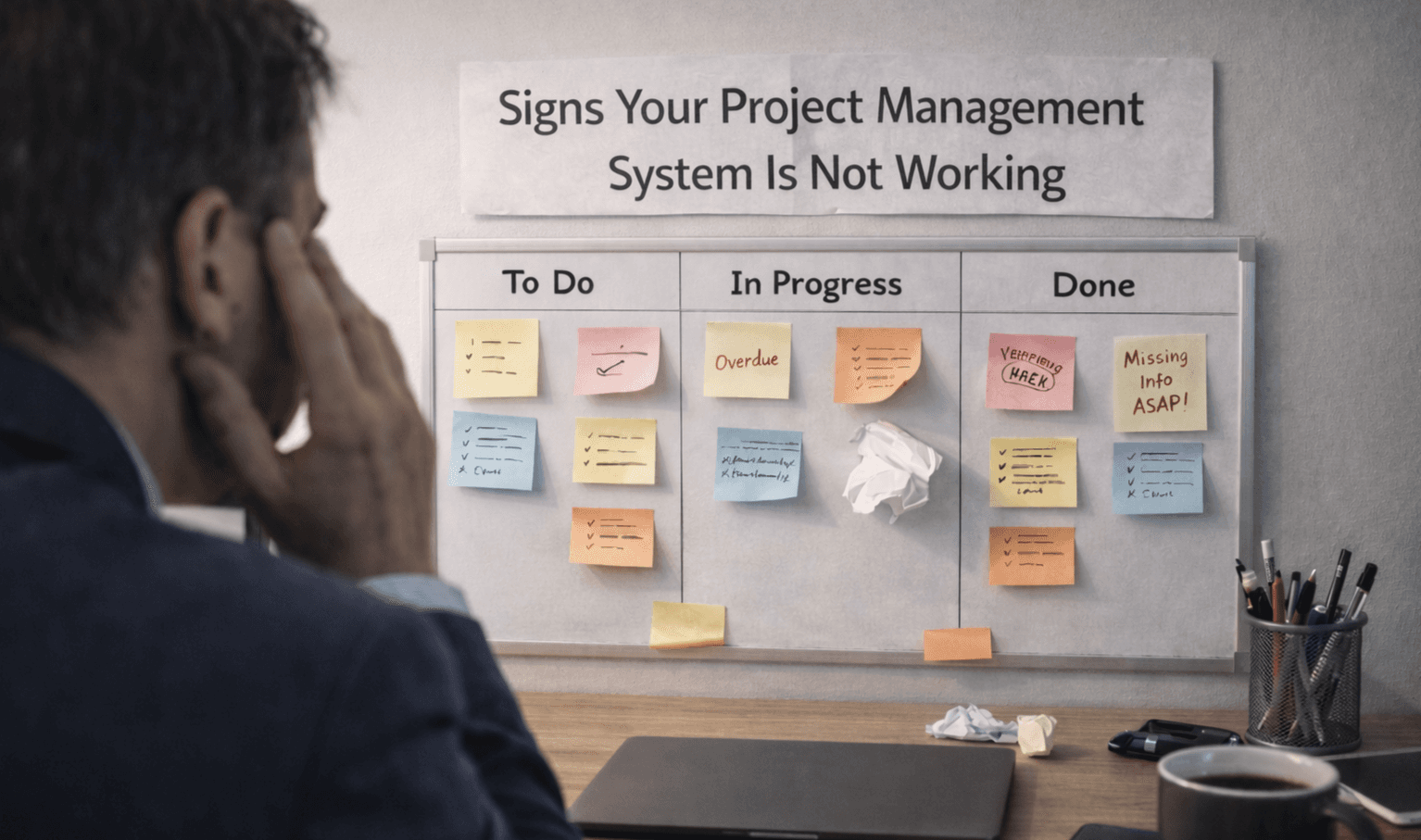
Learn the key signs your project management system is not working. Spot issues early and understand where your workflow is breaking down.

Learn how to manage multiple projects without losing track of work. Use simple systems and clear visibility to stay organized and keep teams aligned.