
How to Get Teams to Use Project Management Software
Learn how to get your team to consistently use project management software. Improve adoption, build habits, and make the system part of daily work.
Nonprofits face a combination of resource constraints and operational complexity that most software vendors do not design for. Staff and volunteers turn over frequently. Multiple programs run concurrently, each with its own funder requirements, reporting deadlines, and budget parameters. Grant applications, program delivery, and impact reporting overlap on the same calendar. And the software budget is typically a fraction of what a for-profit business of equivalent complexity would spend.
This guide covers which project management tools work at that intersection of complexity and constraint, where the nonprofit discount programs offer real value, and how to match a platform to the specific workflows that nonprofit teams actually use.
Park ranger-led volunteer work. Nonprofit project management involves coordinating paid staff, unpaid volunteers, grant-funded programs, and funder reporting requirements simultaneously. Software that works for a for-profit team of equivalent size rarely handles all of these dimensions without customisation.
Several nonprofit-specific requirements consistently underserve staff on general-purpose project management platforms:
Grant lifecycle tracking. Each grant has a deadline, a budget, a set of deliverables, and a reporting requirement. Tracking these across multiple concurrent funders in a task management tool requires templates or database structures that most general tools do not include out of the box.
Volunteer coordination. Volunteers need access to tasks and schedules without a full paid seat on the platform. Guest access policies and costs vary significantly across platforms.
Program-level reporting. Funders require impact reports that demonstrate outputs (number of participants, services delivered) and outcomes (behaviour or condition changes). Pulling this data from a project management tool requires either structured data entry or manual compilation.
Cross-departmental visibility. A small nonprofit's executive director needs to see the status of fundraising, program delivery, and operations simultaneously. Most tools require navigating multiple projects to assemble that view.
Board reporting. Quarterly board packets require a summary of organisational health and program progress that is accessible to non-staff board members without giving them full platform access.
A clear breakdown of nonprofit discount programs across major software platforms and what they actually offer.
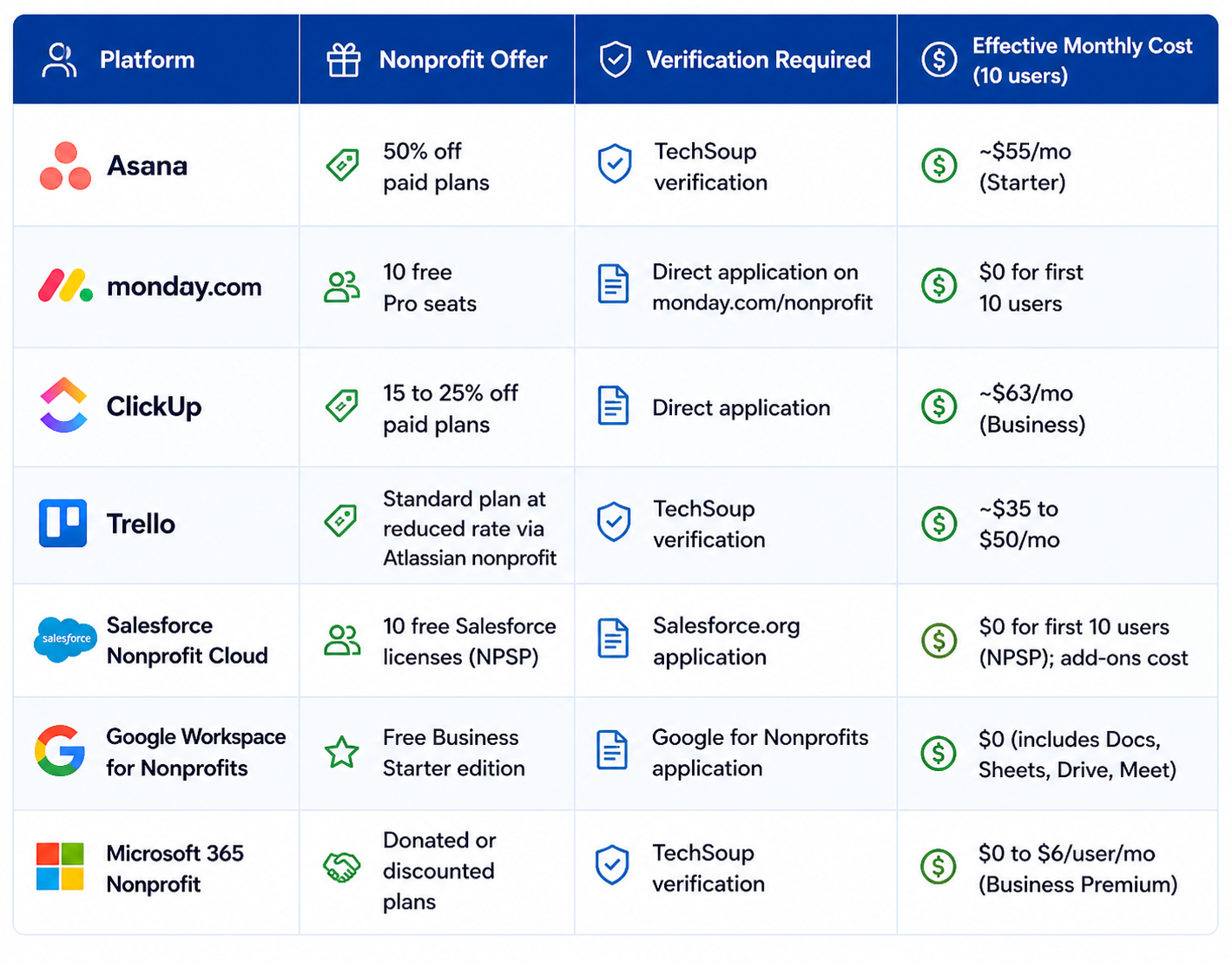
Platform | Nonprofit Offer | Verification Required | Effective Monthly Cost (10 users) |
|---|---|---|---|
Asana | 50% off paid plans | TechSoup verification | ~$55/mo (Starter) |
Monday.com | 10 free Pro seats | Direct application on monday.com/nonprofit | $0 for first 10 users |
ClickUp | 15 to 25% off paid plans | Direct application | ~$63/mo (Business) |
Trello | Standard plan at reduced rate via Atlassian nonprofit | TechSoup verification | ~$35 to $50/mo |
Salesforce Nonprofit Cloud | 10 free Salesforce licenses (NPSP) | Salesforce.org application | $0 for first 10 users (NPSP); add-ons cost |
Google Workspace for Nonprofits | Free Business Starter edition | Google for Nonprofits application | $0 (includes Docs, Sheets, Drive, Meet) |
Microsoft 365 Nonprofit | Donated or discounted plans | TechSoup verification | $0 to $6/user/mo (Business Premium) |
Review the options to find the best mix of cost savings, eligibility requirements, and tools for your organization.
Monday.com's 10 free Pro seats make it the most cost-effective entry point for nonprofits with under 10 staff. The platform's visual dashboards are accessible to non-technical executive directors, and its automation capabilities reduce manual reporting effort. Asana at 50 percent off is the stronger operational choice for nonprofits running multiple concurrent programs that need structured task hierarchies and clear deliverable tracking. Salesforce Nonprofit Cloud (NPSP) provides the 10 free licenses but carries significant implementation complexity; organisations without a Salesforce administrator on staff typically need a consultant at $100 to $150 per hour to configure it, which can cost more than a year of alternatives. For small nonprofits with fewer than 5 staff, Trello's free plan or Asana's free plan are adequate starting points.
Organisation Profile | Primary Need | Best Platform | Cost Basis |
|---|---|---|---|
Under 5 staff | Simple shared task tracking | Asana Free or Trello Free | $0 |
5-10 staff | Programme tracking + volunteer coordination | Monday.com (10 free seats) | $0 for first 10 users |
10-25 staff, multiple grant funders | Grant lifecycle, programme reporting | Asana Starter (50% off) or ClickUp | $55 to $70/mo (nonprofit rate) |
25+ staff with complex programmes | Cross-departmental visibility, board reporting | Monday.com or Asana Advanced | Varies; negotiate TechSoup pricing |
Established nonprofit with donor CRM needs | CRM + programme management integrated | Salesforce NPSP + PM layer | 10 free licenses + implementation cost |
A walkthrough of ClickUp configured for nonprofit operations, covering grant tracking templates, programme management boards, and volunteer task coordination. Published July 2023 by Kolme Group. Useful for operations directors evaluating ClickUp alongside Monday.com and Asana for their organisation.
Monday.com's 10 free Pro seats is the strongest offer in dollar terms for organisations with 10 or fewer staff. Asana's 50 percent discount applies to any paid plan (Starter, Advanced, or Enterprise), making it the strongest option for organisations above 10 people that need Asana's specific capabilities. Both require verification of 501(c)(3) status; Monday.com handles verification directly, while Asana uses TechSoup.
Salesforce NPSP (Nonprofit Success Pack) provides 10 free Salesforce licenses and is one of the most capable donor management and programme tracking platforms available. It is not right for small nonprofits without a dedicated Salesforce administrator or the budget to hire a consultant for initial setup. For organisations under 20 staff without dedicated technical capacity, the implementation barrier typically exceeds the value. Organisations above 25 staff with complex donor relationships and programme reporting requirements are the most natural fit.
No. Project management tools manage tasks, deadlines, and deliverables. Donor CRMs manage relationships, giving history, communications, and fundraising pipelines. They address different operational needs and are typically used in combination. Salesforce NPSP covers both in one platform but requires the implementation investment described above. For most nonprofits, a combination of a project management tool (Monday.com, Asana, or ClickUp) and a dedicated donor CRM (Bloomerang, Salesforce NPSP, Little Green Light, or DonorPerfect) is the practical architecture.
Most nonprofit discount programs require one or more of: a verified 501(c)(3) determination letter from the IRS, TechSoup validation (TechSoup verifies nonprofit status and acts as a distributor for donated software), or a direct application through the vendor's nonprofit program page. TechSoup verification is a one-time process that unlocks discounts across multiple vendors. Government agencies, religious organisations, and schools qualify for some but not all programs; check each vendor's specific eligibility terms.
No general-purpose project management tool is built specifically for grant lifecycle management (pre-award research, application, award, reporting, renewal). Asana and Monday.com both support grant tracking through customised database templates that teams build themselves. Dedicated grant management tools like Submittable, Fluxx, or AmpliFund address the full grant lifecycle more completely but are priced for foundations and funders rather than grantees. For most nonprofits, an Asana or Monday.com template with custom fields for funder name, award amount, deadline, and reporting date is the most practical starting point.
Asana's free plan (up to 10 users, unlimited tasks, list and board views) and Monday.com's 10 free Pro seats (for verified nonprofits) are the two strongest free options for small nonprofits. For organisations primarily using Google Workspace, Google Tasks and Google Sites provide rudimentary project tracking at no additional cost. Trello's free plan (unlimited users, 10 boards) is the simplest starting point for teams that want visual Kanban without configuration.
Learn how to get your team to consistently use project management software. Improve adoption, build habits, and make the system part of daily work.
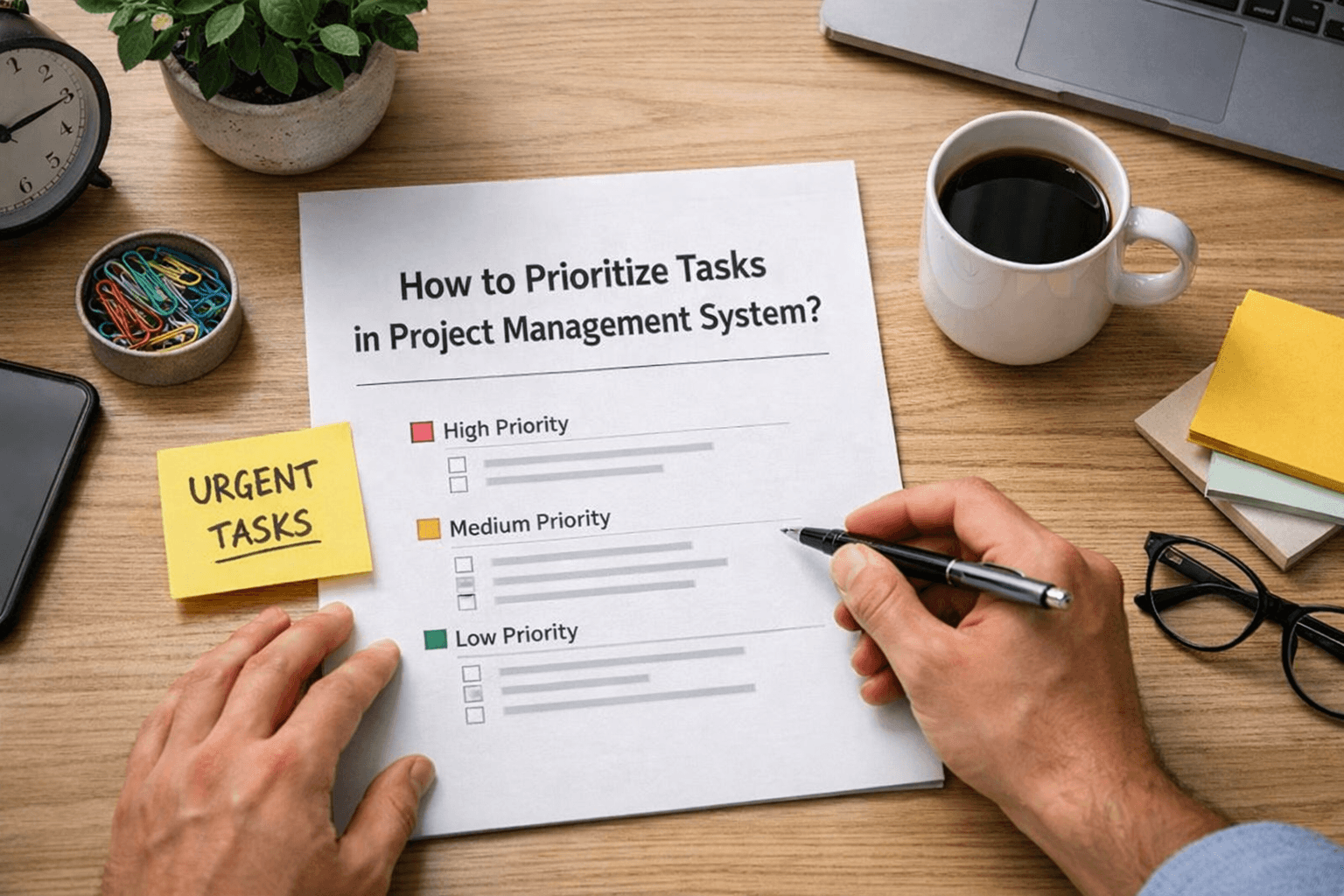
Learn how to prioritize tasks in a project management system. Understand what to focus on first and how to manage tasks without confusion or delays.
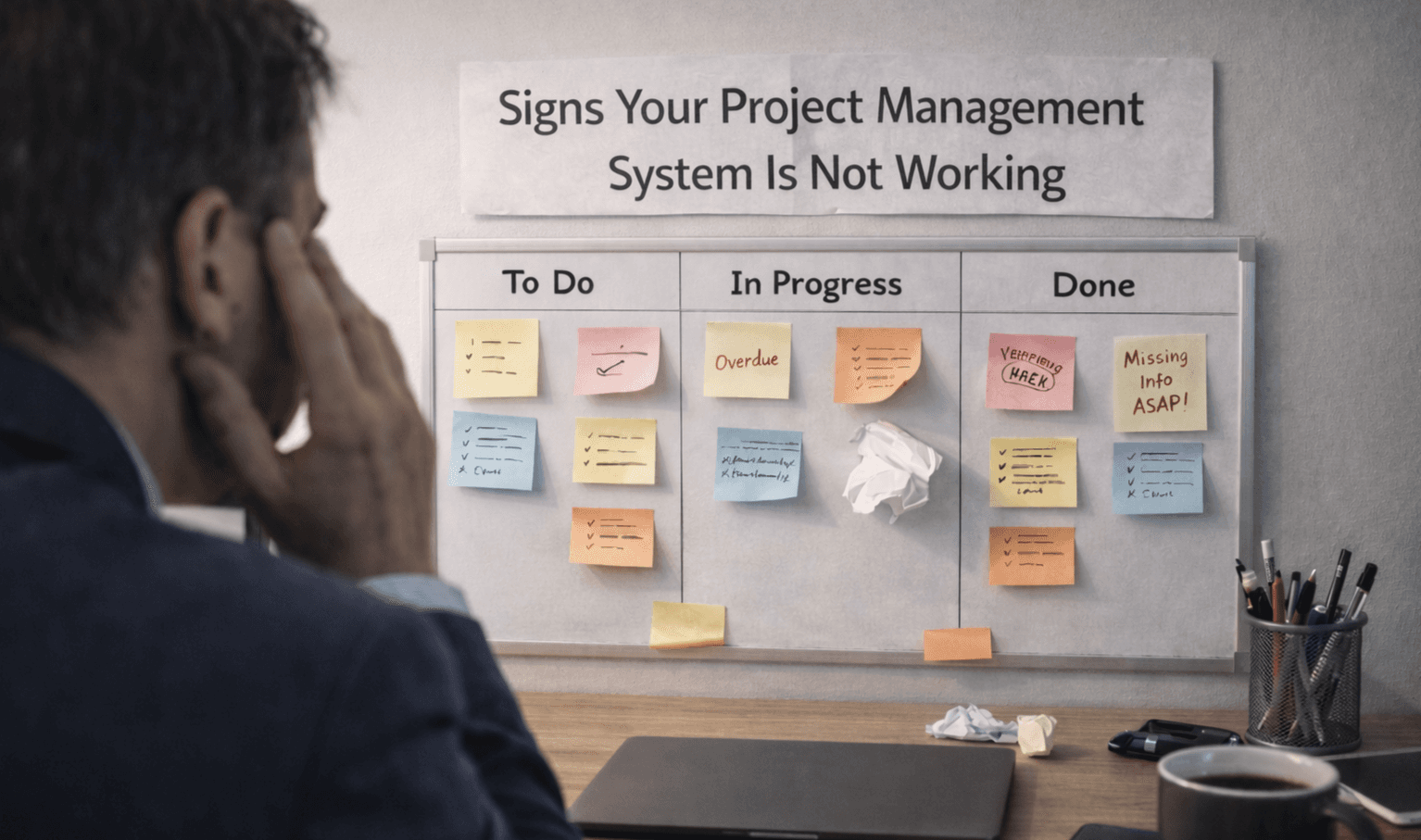
Learn the key signs your project management system is not working. Spot issues early and understand where your workflow is breaking down.

Learn how to manage multiple projects without losing track of work. Use simple systems and clear visibility to stay organized and keep teams aligned.