

How to Get Teams to Use Project Management Software
Most teams do not reject tools. They just stop using them. In the beginning, everyone logs in, updates tasks, and follows the system. After a few weeks, usage drops. Work moves back to chats, and the system becomes something people check occasionally. Getting teams to use Project Management Software is not about forcing usage. It is about making it part of how work happens.
Why Teams Not Use It Consistently?
The problem is rarely the tool itself. It is how the system fits into daily work. If using the system feels like an extra step, teams will avoid it. If it does not reflect real work, they will ignore it.
Updates feel like additional effort
Work tracked outside the system
No clear ownership of tasks
System not used during discussions
No habit of checking daily
When this happens, Project Management Software becomes optional.
What Consistent Usage Actually Looks Like?
Consistency does not mean perfect updates. It means the system is used naturally throughout the day. Teams check it before asking questions. They update tasks as they complete work. They rely on it to understand progress.
Tasks updated during actual work
Team checks system before messaging
Meetings based on task updates
Progress tracked inside the system
Everyone follows the same workflow
This is when the system becomes reliable.
What Drives Team Adoption?
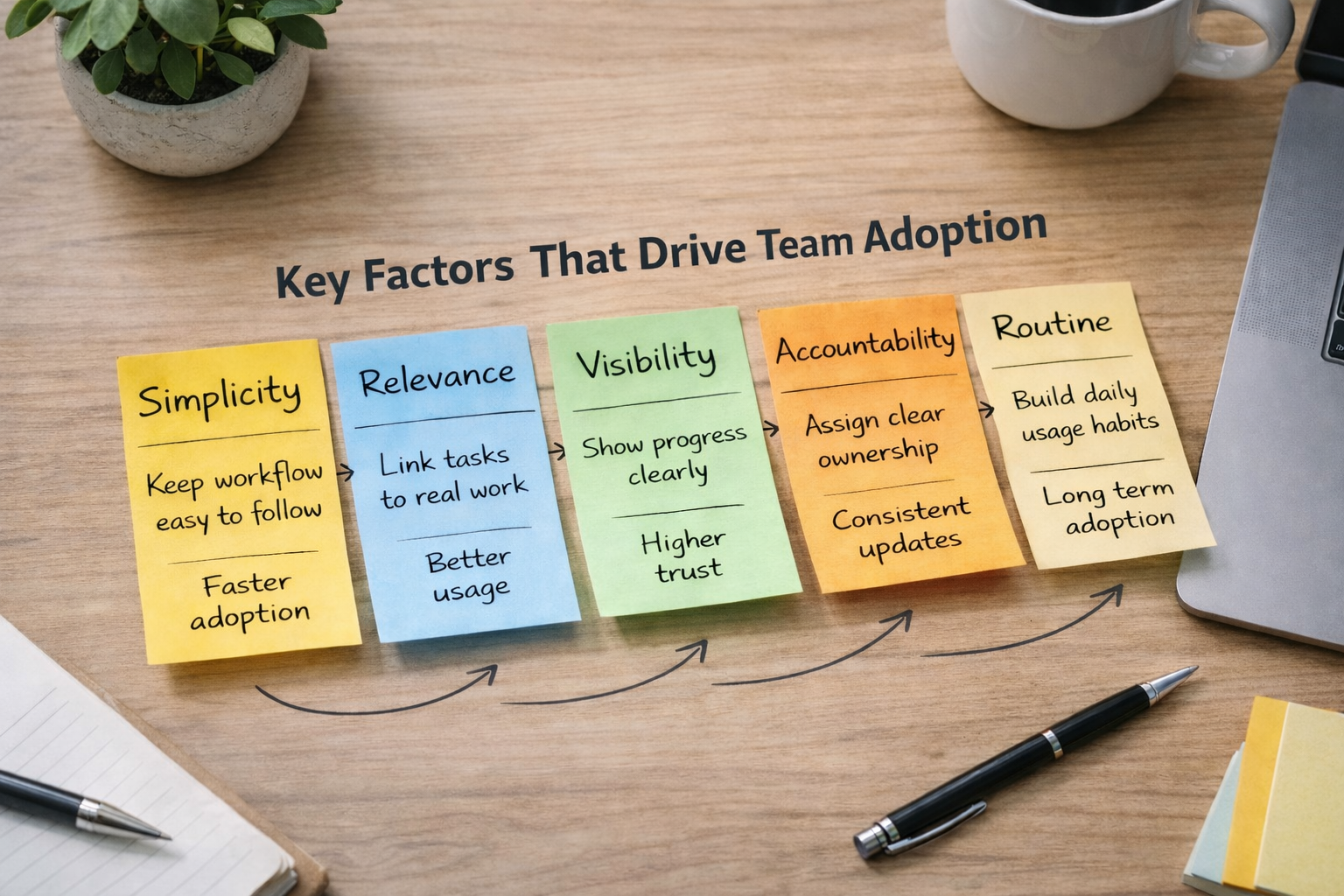
Adoption improves when the system is simple and clearly connected to daily work.
Factor | What to Focus On | Outcome |
|---|---|---|
Simplicity | Keep workflow easy to follow | Faster adoption |
Relevance | Link tasks to real work | Better usage |
Visibility | Show progress clearly | Higher trust |
Accountability | Assign clear ownership | Consistent updates |
Routine | Build daily usage habits | Long term adoption |
These factors make Project Management Software easier to use without forcing it. When the system fits naturally into work, teams use it without being told.
How to Make It Part of Daily Work?
Usage becomes consistent when the system is integrated into everyday actions rather than treated as a separate activity.
Start the day by checking the task list
Update tasks immediately after completion
Use the system during team discussions
Track all work inside one tool
Avoid managing tasks outside the system
This removes the gap between work and tracking.
Build Simple Habits Instead of Rules
Strict rules often fail. Simple habits work better. When teams follow small, repeatable actions, usage becomes natural over time.
Keep updates quick and easy
Focus on only the necessary information
Avoid overloading tasks with details
Encourage regular but simple updates
Make the system easy to access
This keeps Project Management Software from feeling heavy.
What Breaks Consistency?
Even a good system can fail if small gaps are ignored.
Skipping updates during busy periods
Allowing work outside the system
Not reviewing tasks regularly
Ignoring incomplete task statuses
No follow-up on ownership
These patterns slowly reduce usage.
What Changes When Usage Improves?
When teams start using the system consistently, tracking work becomes easier. There is less confusion, fewer follow-ups, and better coordination across the team. People spend less time asking for updates and more time focusing on actual work.
Frequently Asked Questions
How do you get teams to use project management tools?
By making the system part of daily work and keeping it simple to use.
Why do teams stop using project management software?
Because it feels like extra effort or does not reflect actual work.
How do you improve the adoption of project management software?
Focus on simplicity, visibility, and building small daily habits.
Should usage be enforced by managers?
Strict enforcement rarely works. Habit-based usage is more effective.
What is the biggest factor in tool adoption?
Consistency in daily usage and relevance to real work.
Related Posts

How to Prioritize Tasks in Project Management System
Learn how to prioritize tasks in a project management system. Understand what to focus on first and how to manage tasks without confusion or delays.
Signs Your Project Management System Is Not Working
Learn the key signs your project management system is not working. Spot issues early and understand where your workflow is breaking down.