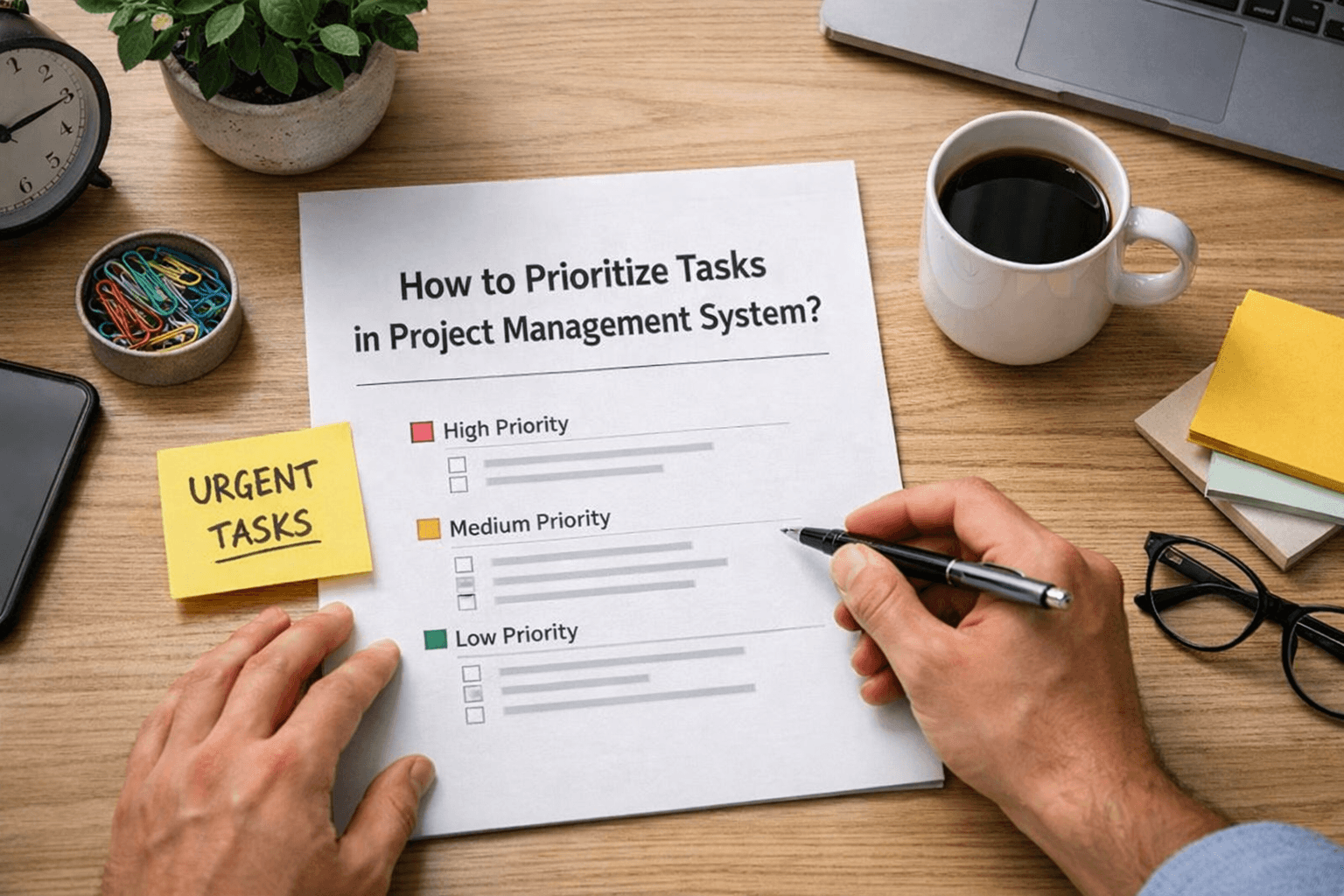

How to Prioritize Tasks in Project Management System
Having tasks is not the problem. Knowing what to do first is. Most teams list everything inside Project Management Software, but when everything looks important, nothing really stands out. Work gets delayed, and teams move without clear direction. Prioritization is what turns a task list into a working system.
Why Task Prioritization Becomes Difficult?
The issue is not workload. It is a lack of clarity. When teams do not define what matters most, they either pick tasks randomly or focus on what feels urgent in the moment. This creates uneven progress and missed deadlines.
Too many tasks are marked as urgent
No clear order of execution
Work depends on unfinished tasks
Teams switching between tasks often
Deadlines not aligned with priorities
This is where Project Management Software starts feeling confusing instead of helpful.
What Good Prioritization Actually Looks Like?
A clear system does not treat all tasks equally. It focuses on what needs attention now, what can wait, and what depends on other work. Once this is defined, teams move faster without second-guessing.
Tasks ranked based on real impact
Clear difference between urgent and important
Dependencies identified before starting work
Work aligned with deadlines and goals
Focus maintained on fewer active tasks
This brings structure without making the workflow complex.
Key Factors to Prioritize Tasks
Factor | What to Check | Outcome |
|---|---|---|
Deadline | How soon it is due | Better time control |
Impact | Effect on project progress | Smarter decisions |
Dependency | Blocks or relies on tasks | Smooth workflow |
Effort | Time required to complete | Balanced workload |
Priority level | Urgent vs important | Clear focus |
These factors help teams decide what to work on first, rather than guess. This shows that prioritization is not about doing more, but doing the right work first.
How to Apply This in Daily Work?
Prioritization only works when it is used regularly, not just planned once. Within Project Management Software, tasks should be reviewed and adjusted as needs change.
Review priorities at the start of the day
Update tasks based on new inputs
Focus on completing high-impact tasks
Avoid starting too many tasks together
Reassign work when priorities shift
This keeps the system active and relevant.
Avoid Common Prioritization Mistakes
Most teams struggle not because they lack tasks, but because they treat everything the same.
Marking all tasks as high priority
Ignoring task dependencies during planning
Working on easy tasks first
Not updating priorities as work changes
Overloading the team with parallel tasks
These patterns reduce the effectiveness of Project Management Software.
What Happens When Prioritization Is Clear
When priorities are defined properly, work starts moving smoothly. Teams spend less time deciding and more time executing. Delays are reduced, and progress becomes easier to track. You will notice fewer blockers, clearer communication, and better alignment across the team.
Frequently Asked Questions
How do you prioritize tasks in a project management system?
By evaluating deadlines, impact, and dependencies to decide what needs attention first.
What is the best method to prioritize tasks?
Focus on urgency, importance, and how tasks affect overall progress.
Why is task prioritization important?
It helps teams focus on the right work and prevents delays caused by confusion.
Can project management software help with prioritization?
Yes, it allows teams to organize, rank, and adjust tasks based on real needs.
What happens if tasks are not prioritized?
Work becomes unstructured, deadlines are missed, and teams lose direction.
Related Posts

How to Get Teams to Use Project Management Software
Learn how to get your team to consistently use project management software. Improve adoption, build habits, and make the system part of daily work.
Signs Your Project Management System Is Not Working
Learn the key signs your project management system is not working. Spot issues early and understand where your workflow is breaking down.