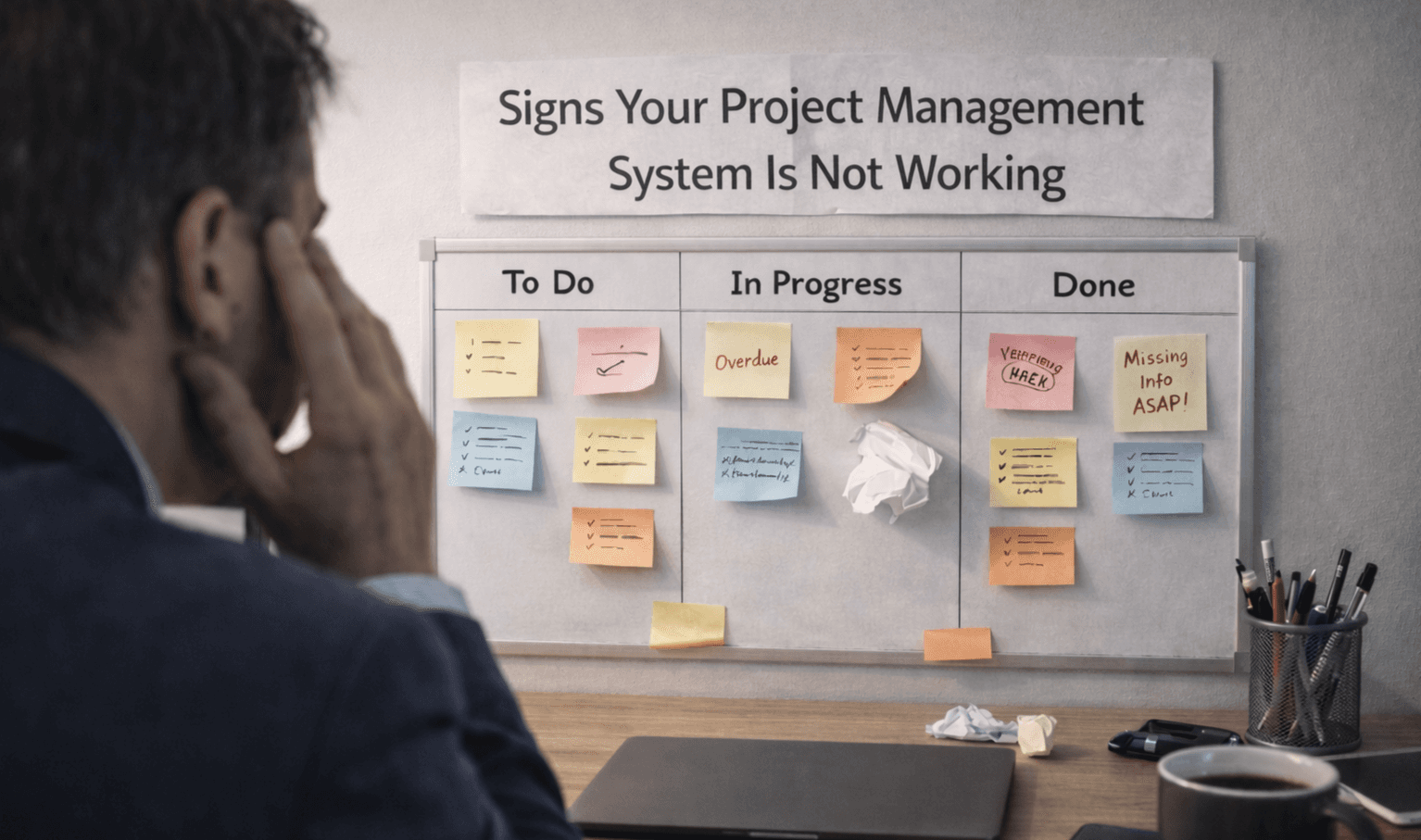

Signs Your Project Management System Is Not Working
A system can appear organized on the surface yet fail in practice. Most teams continue using their setup without realizing it is not helping them. Work gets delayed, updates feel unclear, and people rely on other ways to track progress. A Project Management Software system should make work easier to follow. When it does not, the signs begin to show in daily operations.
When Does the System Stop Reflecting Real Work?
The first sign is a disconnect between the system and actual work. Tasks exist, but they do not match what is really happening. Teams complete work without updating it, or updates come in too late to be useful.
Tasks marked complete but still ongoing
Work done outside the system regularly
Updates missing or delayed frequently
Task details not reflecting real progress
Teams relying on chats for updates
When this happens, the system loses its purpose.
When Visibility Starts Breaking Down
A working system should make it easy to understand what is happening at any time. If you need to ask people for updates, the system isn't providing enough visibility.
Progress is not clear across projects
No clear status of ongoing tasks
Difficulty tracking who owns tasks
Deadlines not visible or tracked properly
Dashboards are not used for decision-making
This reduces trust in the Project Management Software over time.
When Work Starts Getting Delayed
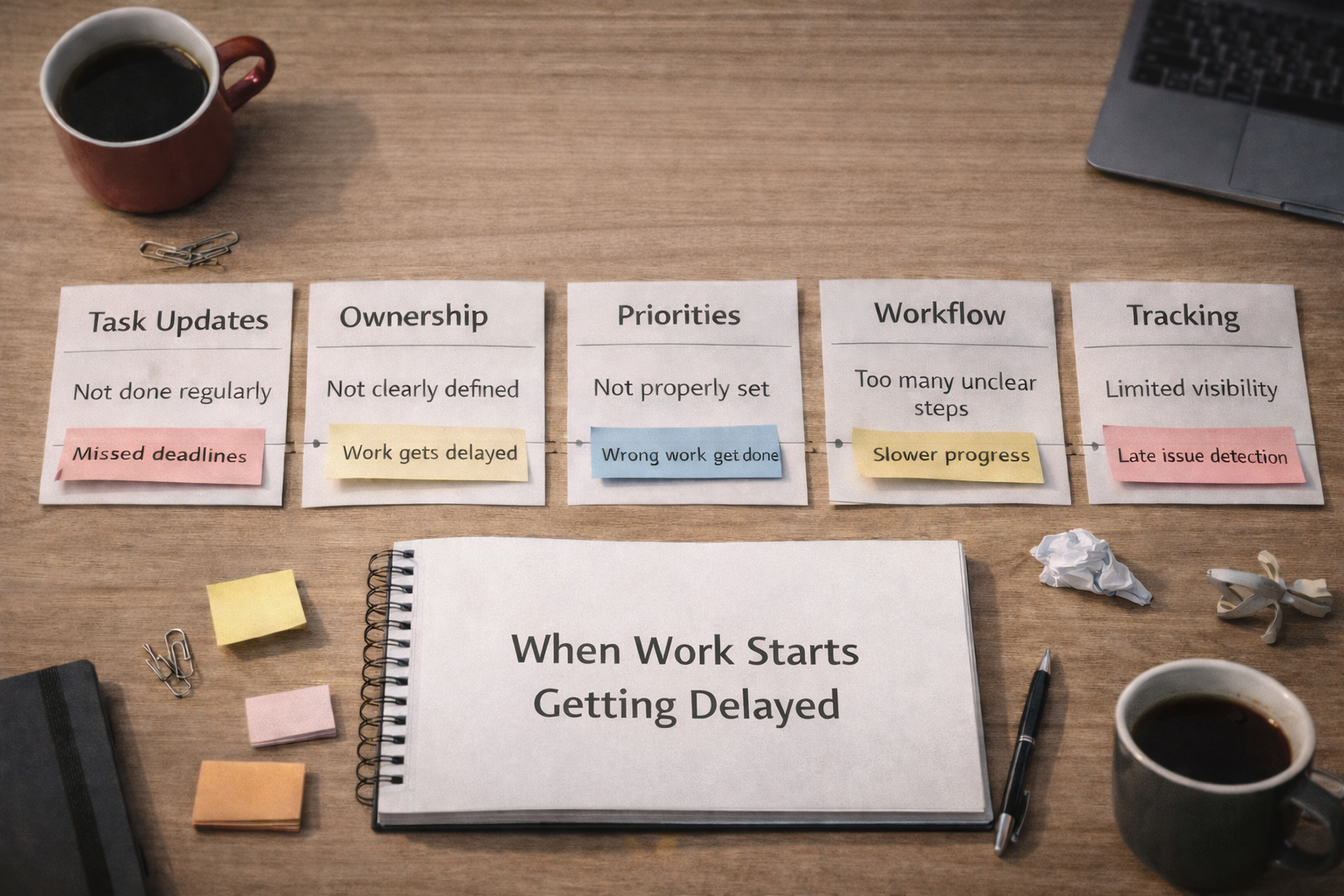
Delays are not always caused by workload. Often, they come from a lack of clarity. When tasks are not properly tracked or prioritized, work slows without an obvious reason.
Area | What Happens | Result |
|---|---|---|
Task updates | Not done regularly | Missed deadlines |
Ownership | Not clearly defined | Work gets delayed |
Priorities | Not properly set | Wrong work gets done |
Workflow | Too many unclear steps | Slower progress |
Tracking | Limited visibility | Late issue detection |
These patterns show where the system is breaking down. If delays keep repeating, the issue is usually in the system, not the team.
When the Team Stops Using It Consistently
Usage is one of the clearest signals. A system only works when it is used daily. If people start avoiding it, there is usually a reason.
The team forgets to update tasks often
Work is tracked in multiple separate places
People check the system only occasionally
Updates happen only during meetings
System not part of daily workflow
At this stage, Project Management Software becomes optional instead of essential.
When Decisions Are Made Without the System
Another strong sign is when decisions are made outside the system. Managers start relying on conversations, messages, or personal notes rather than on the system itself.
Decisions made without checking task status
Teams depend on verbal updates only
System not used during planning discussions
Data not used for reviewing progress
Reports were ignored during decision-making
This means the system is no longer trusted.
When the System Feels Like Extra Work
A good system should reduce effort, not add to it. If updates feel like an additional task instead of part of work, teams will avoid it.
Too many steps to update tasks
Information repeated across multiple fields
Time spent updating instead of working
Tasks feel disconnected from actual work
The system slows down the daily workflow
This is where adoption starts dropping.
How to Recognize It Early?
Most systems do not fail overnight. The signs build up gradually. You will first notice small changes. Usage drops, updates become unclear, and confusion starts increasing. If these patterns are ignored, the system becomes less useful over time. Recognizing these signs early helps you fix the workflow before the system is completely ignored.
Frequently Asked Questions
How do you know if a project management system is failing?
When tasks are not updated, work occurs outside the system, and teams rely on other tools to track progress.
Why does a project management system stop working?
Because it no longer reflects real work or becomes difficult to use consistently.
What is the biggest sign of system failure?
Lack of visibility and inconsistent usage across the team.
Can a system fail even if it looks organized?
Yes, if the data is inaccurate or not regularly updated, the system becomes unreliable.
Should you change the tool if it is not working?
Not always. Often, the issue is with usage and workflow, not the tool itself.
Related Posts

How to Get Teams to Use Project Management Software
Learn how to get your team to consistently use project management software. Improve adoption, build habits, and make the system part of daily work.

How to Prioritize Tasks in Project Management System
Learn how to prioritize tasks in a project management system. Understand what to focus on first and how to manage tasks without confusion or delays.