How to Get Teams to Use Project Management Software
Learn how to get your team to consistently use project management software. Improve adoption, build habits, and make the system part of daily work.
Construction project management is a discipline with a level of document control, coordination complexity, and legal liability that general project management tools are not built to handle. A commercial project generates hundreds of RFIs, submittals, change orders, and daily field reports over its lifecycle. Any one of these documents, mismanaged or lost, can trigger a claims dispute that costs more than the software subscription for ten years. The platforms reviewed in this guide exist because the stakes of document mismanagement in construction are uniquely high.
This guide covers the capabilities that matter in construction project management software, how the leading platforms compare in 2026, and how to match a platform to your firm type and project volume.
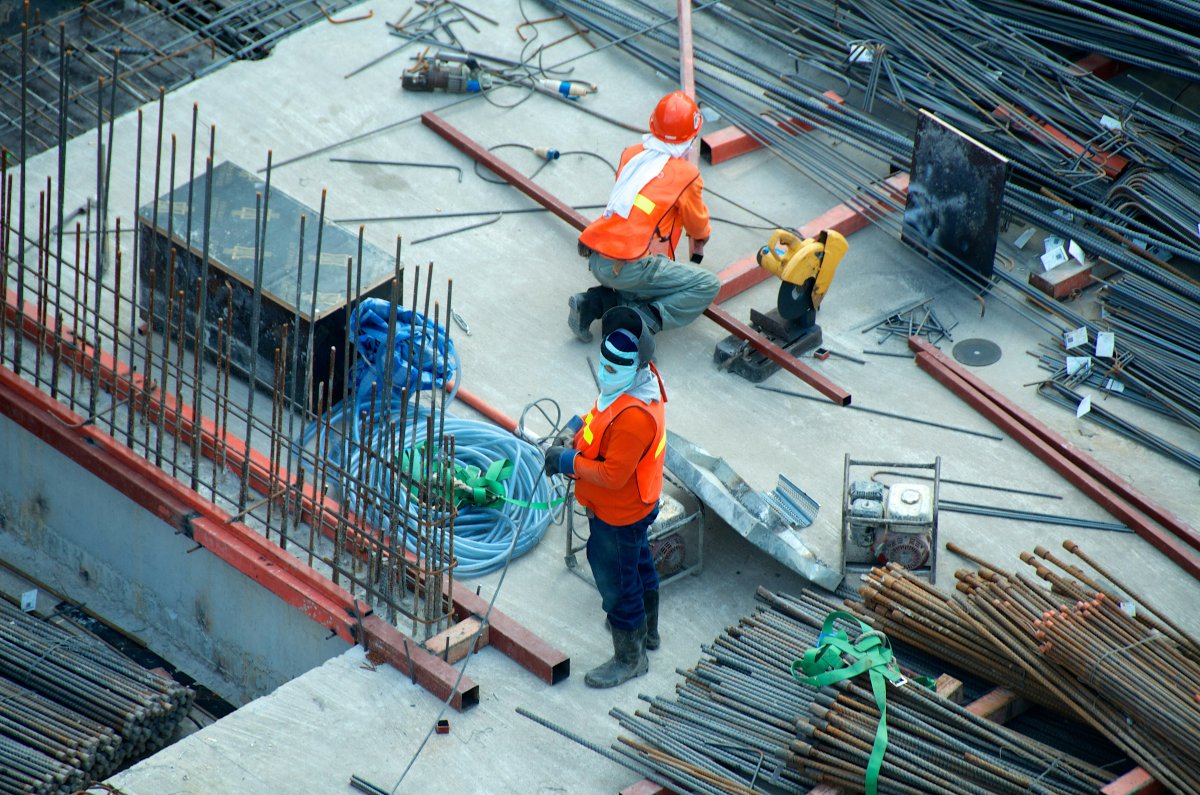
The following capabilities are standard requirements in construction project management and largely absent from general tools like Asana, Monday.com, or ClickUp:
RFI management. Requests for Information are formal questions from the contractor to the architect or engineer asking for clarification on the contract documents. Each RFI has a number, a response deadline, a priority, and a status. Unresolved RFIs at project close are a primary source of claims.
Submittal log. A record of all shop drawings, product data, and samples submitted by the contractor for architect review, with approval status and revision tracking.
Punch list. A documented list of deficiencies identified during substantial-completion walk-throughs, with assigned responsibility and resolution tracking.
Change order management. Formal scope changes to the contract, with cost and schedule impact tracking, approval workflows, and budget integration.
Daily field reports. Structured documentation of daily site activity: crew counts, equipment on site, weather, work performed, and any delays or incidents.
Drawing management and version control. The current-revision set must be identifiable and accessible in the field, with superseded drawings clearly marked.
Budget tracking against change orders. The original contract value, approved changes, pending changes, and projected final cost must update in real time.
Subcontractor coordination. Communication, document distribution, and compliance tracking (insurance certificates, safety records, lien waivers) across potentially dozens of subcontractors.
A practical comparison of construction project management platforms based on core features and real-world use cases.
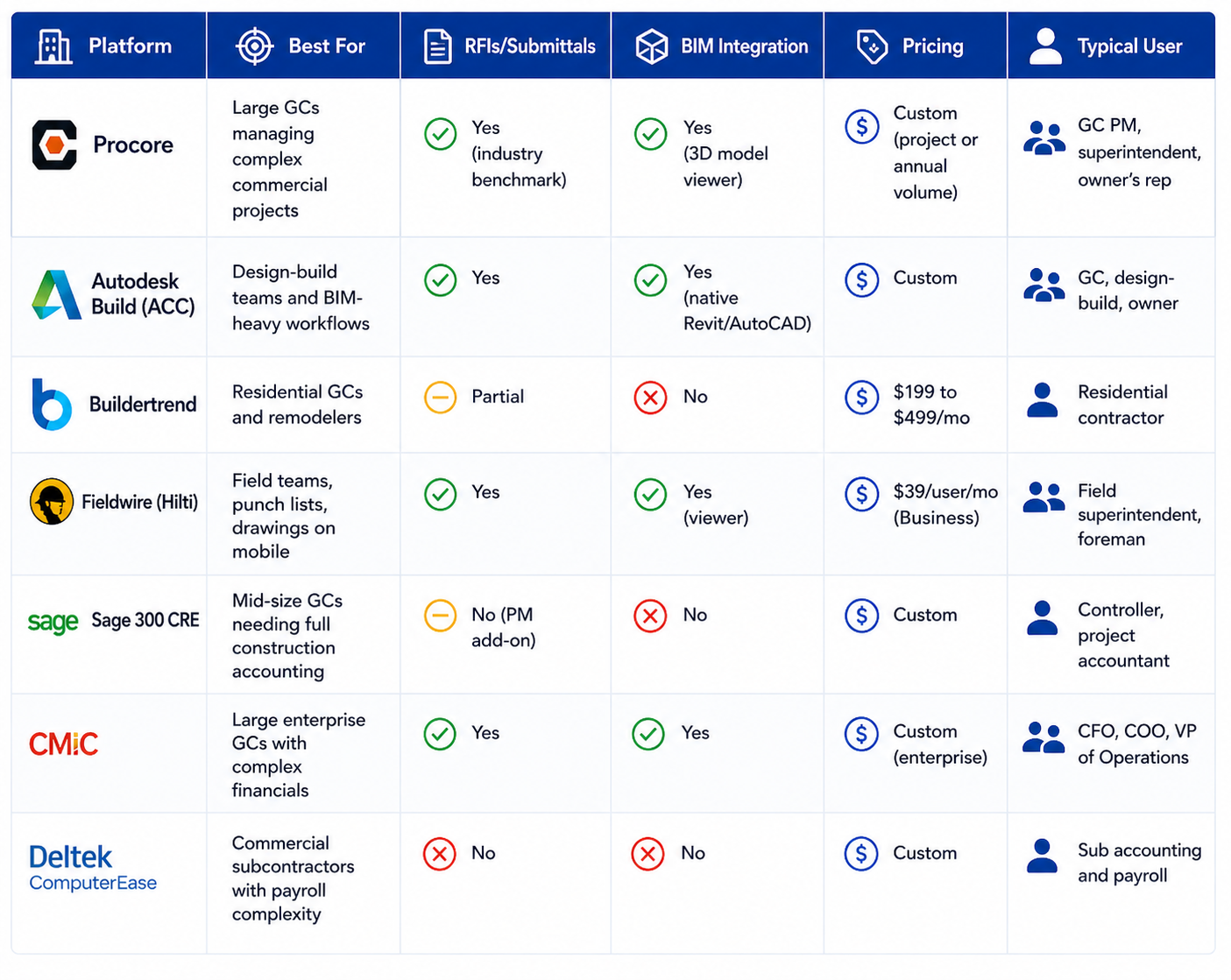
Platform | Best For | RFIs/Submittals | BIM Integration | Pricing | Typical User |
|---|---|---|---|---|---|
Procore | Large GCs managing complex commercial projects | Yes (industry benchmark) | Yes (3D model viewer) | Custom (project or annual volume) | GC PM, superintendent, owner's rep |
Autodesk Build (ACC) | Design-build teams and BIM-heavy workflows | Yes | Yes (native Revit/AutoCAD) | Custom | GC, design-build, owner |
Buildertrend | Residential GCs and remodelers | Partial | No | $199 to $499/mo | Residential contractor |
Fieldwire (Hilti) | Field teams, punch lists, drawings on mobile | Yes | Yes (viewer) | $39/user/mo (Business) | Field superintendent, foreman |
Sage 300 CRE | Mid-size GCs needing full construction accounting | No (PM add-on) | No | Custom | Controller, project accountant |
CMiC | Large enterprise GCs with complex financials | Yes | Yes | Custom (enterprise) | CFO, COO, VP of Operations |
Deltek ComputerEase | Commercial subcontractors with payroll complexity | No | No | Custom | Sub accounting and payroll |
Choose the platform that aligns with your project complexity, team structure, and required integrations.
Procore and Autodesk Construction Cloud (Autodesk Build, note: being rebranded into Autodesk Forma and Autodesk Build as part of the 2024 to 2025 portfolio restructure) are the two dominant platforms for commercial construction project management. Procore is generally regarded as stronger on project management workflows: RFI management, submittal logs, punch lists, and meeting minutes have a depth and traceability that most practitioners place ahead of the Autodesk equivalents. Autodesk Build is generally stronger for design-to-construction workflows: firms running Revit for design get native BIM data in the construction platform, reducing the translation cost between design and field. The decision for most firms comes down to whether BIM integration or project management depth is the primary requirement. Subcontractors who are forced to use both platforms by different GCs cite the duplication as a genuine operational burden.
Firm Type | Primary Challenge | Recommended Platform |
|---|---|---|
Residential GC or remodeler | Client communication, scheduling, budget visibility | Buildertrend |
Commercial GC (under $50M revenue) | RFIs, submittals, subcontractor coordination | Procore or Fieldwire + accounting platform |
Design-build GC | BIM coordination, design-to-field data flow | Autodesk Build (ACC) |
Trade subcontractor | Drawing access, field reports, RFI response | Fieldwire or Procore (via GC login) |
Large GC (over $100M revenue) | Full financials, payroll, PM, and document control | CMiC or Procore + Sage 300 CRE |
Commercial subcontractor with complex payroll | Certified payroll, union rates, job costing | Foundation Software or Deltek ComputerEase |
Each firm type ultimately chooses tools based on where the operational pressure actually sits. Residential teams lean toward simplicity and client communication, which is why Buildertrend fits well. As projects get more complex, especially in commercial environments, the need shifts to RFIs, submittals, and coordination making tools like Procore or Fieldwire more practical.
For larger firms, the decision is less about features and more about integration. Financial control, payroll, and document management start to drive the stack, which is why platforms like CMiC or Procore, combined with Sage, become common. Subcontractors, on the other hand, prioritize accessibility and job-level execution, so lightweight but field-friendly tools often make more sense than full-scale systems.
A beginners walkthrough of Procore covering project setup, RFI creation, submittal tracking, and the daily log. Published October 2024. Useful for PMs and superintendents new to Procore or evaluating it against other platforms.
Construction project management software centralises the documents, communications, and workflows that coordinate the design, procurement, and construction of a building or infrastructure project. At a minimum, it manages drawings, RFIs, submittals, change orders, punch lists, and daily field reports. Platforms like Procore and Autodesk Build also include budget management, schedule integration, and subcontractor coordination. The primary value is a single searchable record of all project communications and decisions, which reduces claims risk and improves field-office coordination.
Procore does not publish standard pricing and requires a sales conversation before quoting. Based on practitioner reports, small GCs have been quoted $400 to $800 per month for the project management module. Larger firms are typically quoted on annual volume (total dollar value of projects under management). Procore's pricing is a common point of frustration among smaller contractors who find the entry cost significant relative to their margin.
Most platforms include integrations with Sage 300 CRE, Sage 100 Contractor, QuickBooks Online, Viewpoint Vista, and Foundation Software. Procore has an established connector ecosystem; Autodesk Build integrates with Sage natively. The reliability of these integrations varies; most accounting synchronisation requires initial configuration by a consultant and periodic maintenance when either platform updates.
Fieldwire (now owned by Hilti) is consistently rated highest for field use: its mobile interface is fast offline, drawing markup is intuitive, and punch list creation from a mobile device is the easiest of any platform. Procore's mobile app is comprehensive but slower to navigate for field users focused on a narrow set of daily tasks. For subcontractors who need drawing access and daily reporting without the cost of a full Procore subscription, Fieldwire at $39 per user per month (Business plan) is the most practical option.
A Request for Information is a formal written query from the contractor to the design team asking for clarification on the contract documents. A large commercial project may generate 200 to 500 RFIs over its lifecycle. Each RFI has a response deadline contractually tied to the construction schedule; a late response can justify a time extension claim. Tracking RFI status, response time, and cost impact across that volume in email is impractical and legally risky. Purpose-built software timestamps submissions and responses, flags overdue items, and maintains a court-admissible record of the project's information requests.
Autodesk Construction Cloud (ACC) is the brand name for Autodesk's portfolio of construction software products. Autodesk Build is the project management and field collaboration product within that portfolio, replacing BIM 360 Build and BIM 360 Project Management. Autodesk Forma (formerly Spacemaker) covers early-stage design and site analysis. When evaluating Autodesk for construction project management, Autodesk Build is the relevant product. The rebrand has caused some naming confusion in the market; both names refer to the same underlying platform.
Learn how to get your team to consistently use project management software. Improve adoption, build habits, and make the system part of daily work.
Learn how to prioritize tasks in a project management system. Understand what to focus on first and how to manage tasks without confusion or delays.
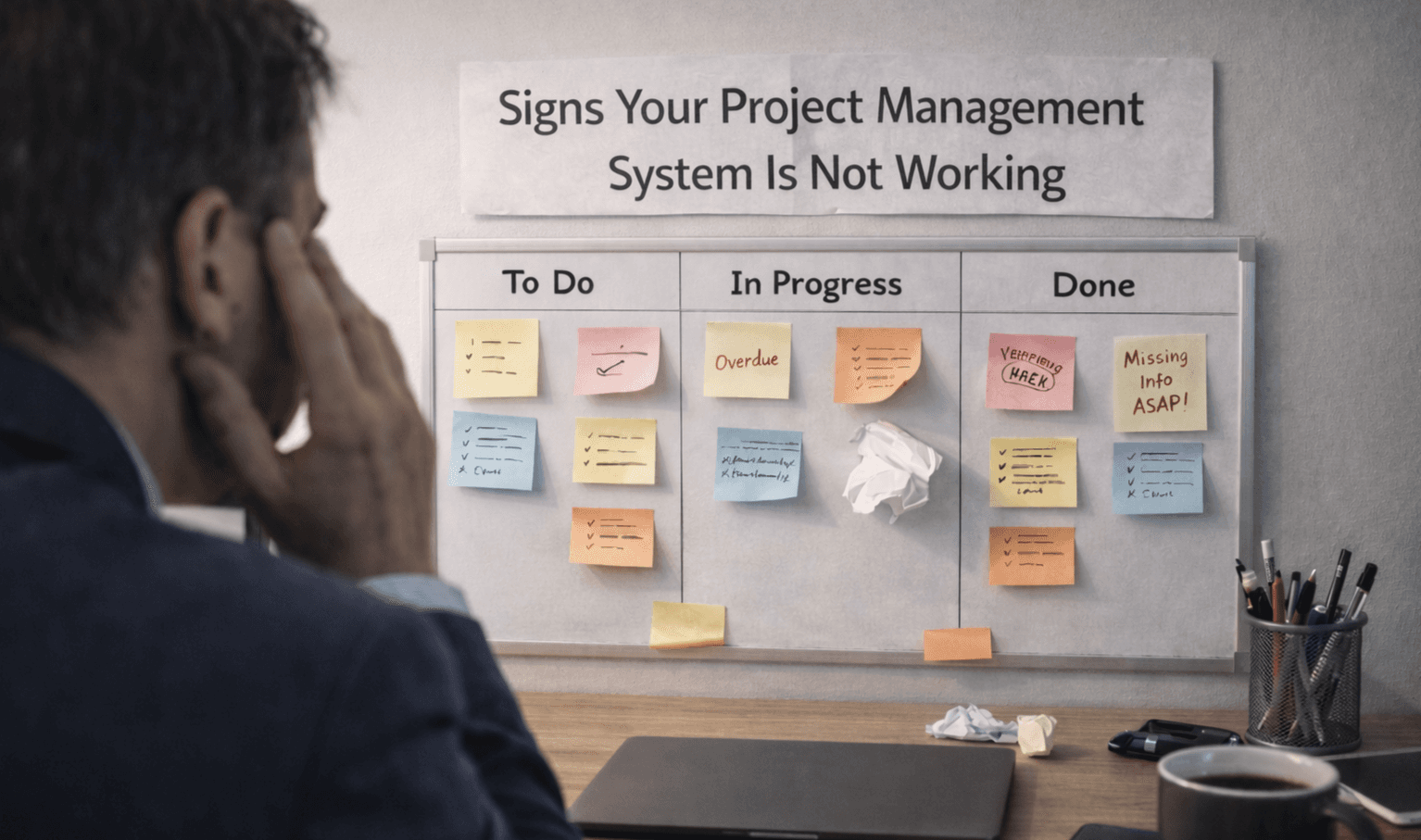
Learn the key signs your project management system is not working. Spot issues early and understand where your workflow is breaking down.
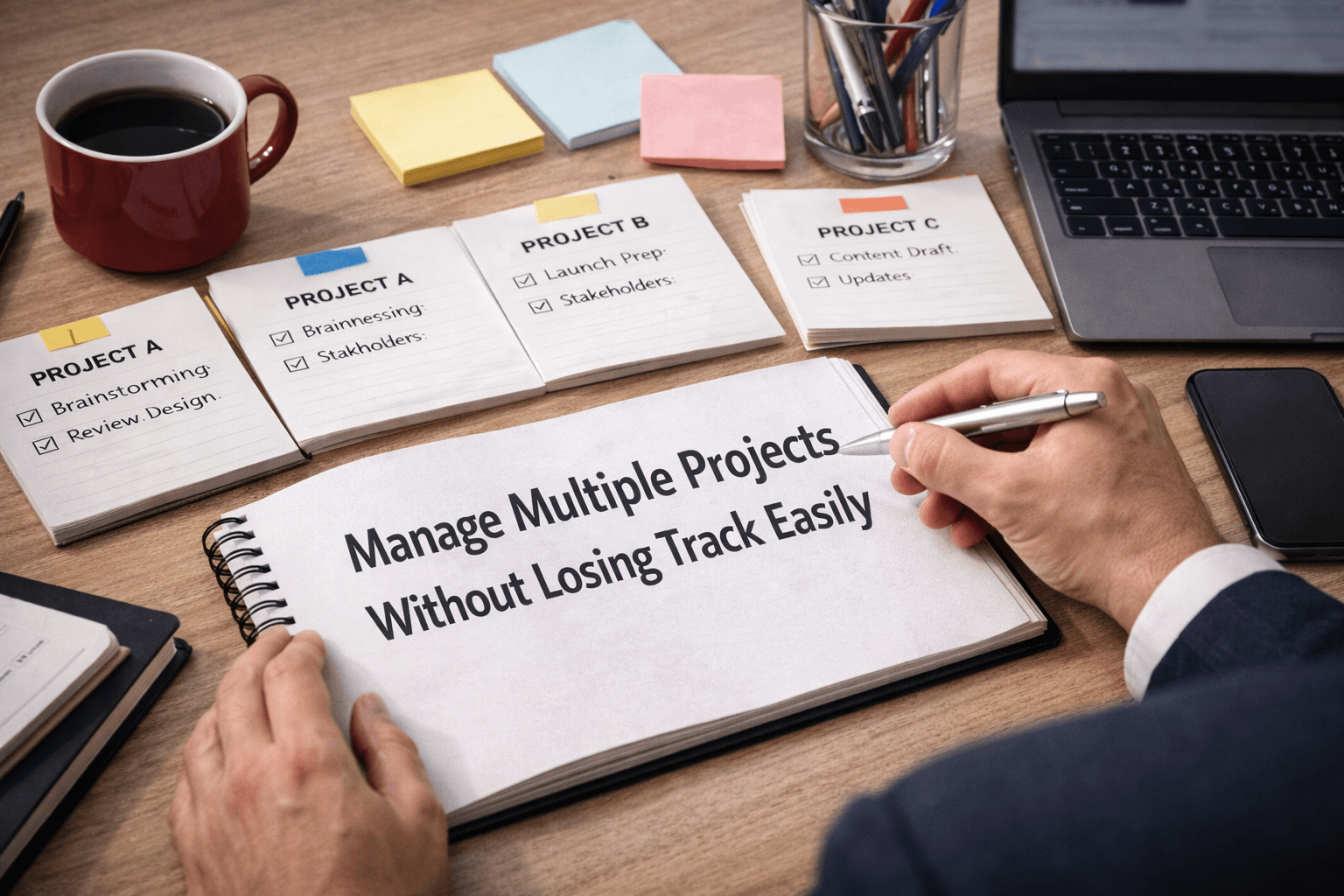
Learn how to manage multiple projects without losing track of work. Use simple systems and clear visibility to stay organized and keep teams aligned.