
Best Project Management System for Small Teams
Small teams do not need complex tools. They need something that is easy to use, quick to set up, and fits into daily work. Many teams try different tools but still struggle with missed deadlines, unclear tasks, and poor coordination.
The right Project Management Software solves these issues by keeping work organised and visible without adding extra effort.
What Small Teams Actually Need?
Most tools fail for small teams because they are built for large companies. Small teams need simplicity and clarity, not layers of features.
Here is what matters most:
Simple task tracking without extra steps
Clear ownership for every task
Easy collaboration between team members
Quick setup with minimal training
Visibility of progress and deadlines
Works well with existing daily tools
When these basics are in place, Project Management Software becomes useful instead of overwhelming.
Common Mistakes While Choosing a System
Many small teams pick tools based on features rather than usability. This leads to low adoption.
Choosing tools with too many features
Ignoring ease of use during setup
Not testing with real workflows
Selecting based on trends, not needs
Lack of team input before selection
Even the best Project Management Software will not work if the team does not use it daily.
Features That Actually Make a Difference
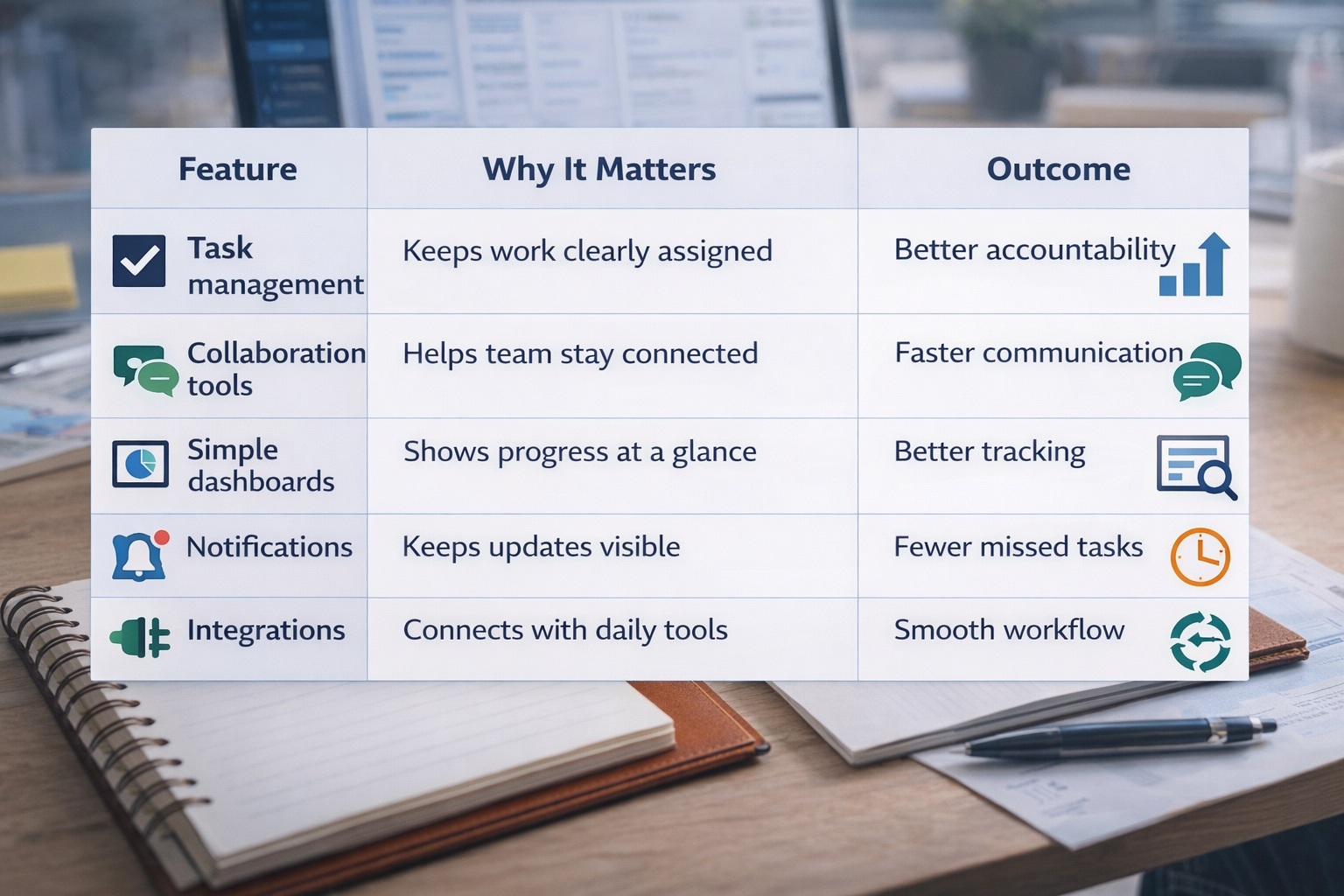
Instead of focusing on everything, focus on features that impact daily work.
Feature | Why It Matters | Outcome |
|---|---|---|
Task management | Keeps work clearly assigned | Better accountability |
Collaboration tools | Helps team stay connected | Faster communication |
Simple dashboards | Shows progress at a glance | Better tracking |
Notifications | Keeps updates visible | Fewer missed tasks |
Integrations | Connects with daily tools | Smooth workflow |
These features help small teams stay consistent without extra effort.
Best Types of Tools for Small Teams
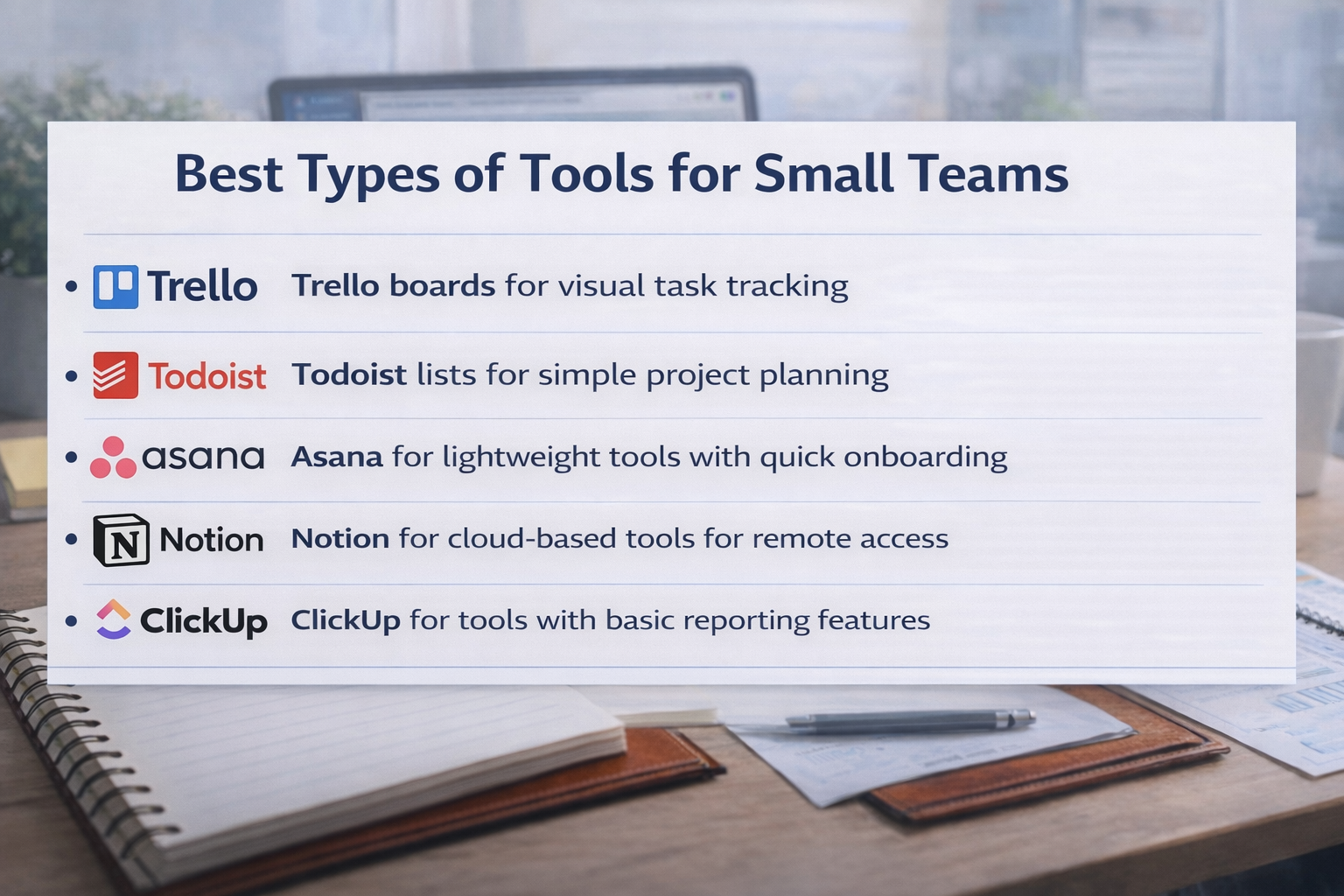
Different tools work for different needs, but most small teams benefit from simple systems.
Kanban boards for visual task tracking
Task lists for simple project planning
Lightweight tools with quick onboarding
Cloud-based tools for remote access
Tools with basic reporting features
A simple Project Management Software setup is usually more effective than a complex one.
Signs You Chose the Right System
You will know the system works when daily work becomes easier.
Team updates tasks without reminders
Work is visible without asking others
Deadlines are tracked and followed
Fewer messages needed for updates
Tasks move smoothly across stages
If these are happening, your Project Management Software is doing its job.
Frequently Asked Questions
What is the best project management system for small teams?
The best system is one that is simple, easy to use, and fits your workflow. Tools that focus on task tracking and collaboration work best.
Why do small teams struggle with project management tools?
Most tools are too complex. Small teams need simple systems that match how they already work.
How many features should a small team look for?
Only the essential ones. Task tracking, collaboration, and basic reporting are enough for most teams.
Is free project management software enough?
For many small teams, free tools are enough if they offer task management and basic collaboration features
How do you know if a tool is not working?
If the team avoids using it or tracks work outside the system, it is not the right fit.
Related Posts

How to Get Teams to Use Project Management Software
Learn how to get your team to consistently use project management software. Improve adoption, build habits, and make the system part of daily work.
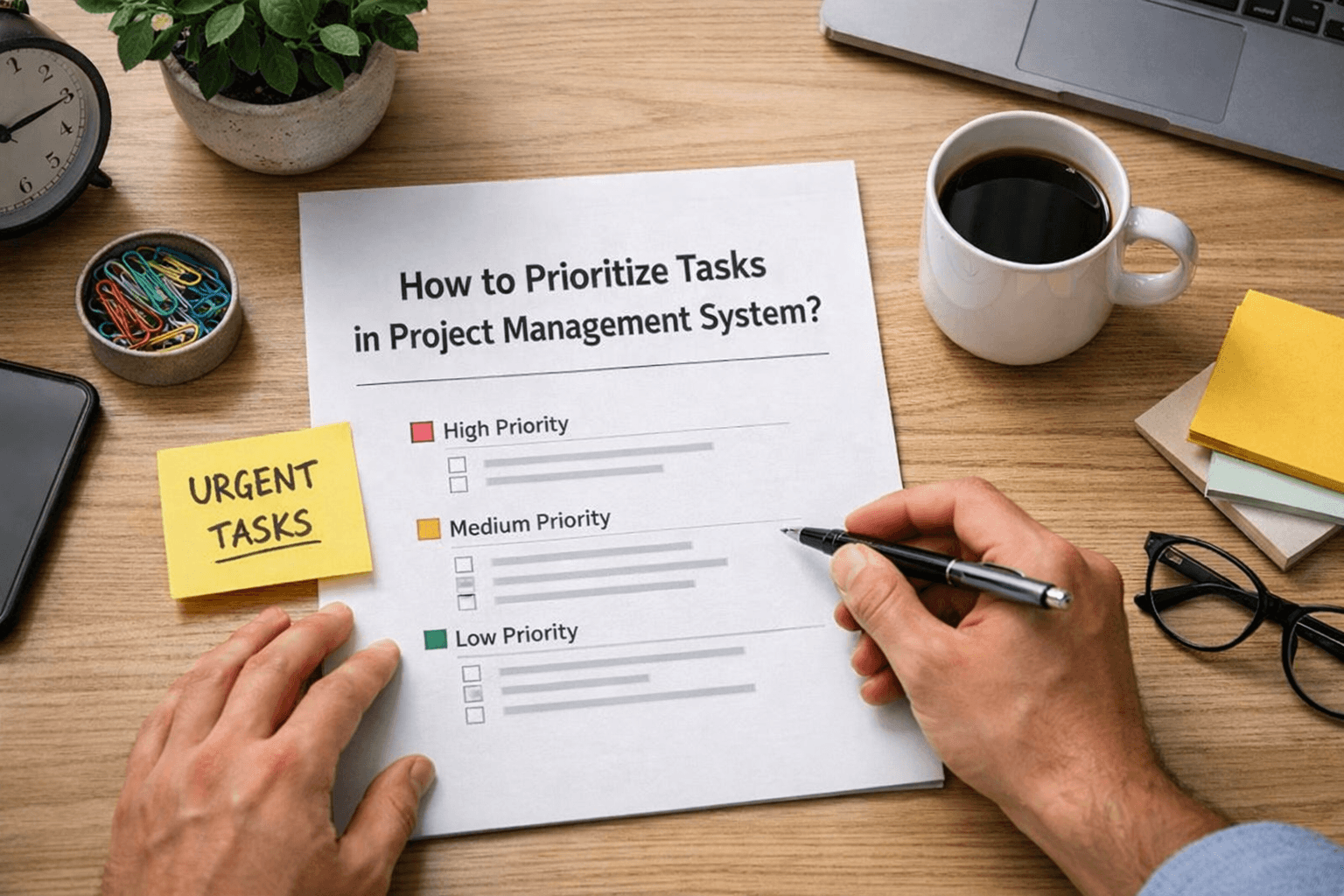
How to Prioritize Tasks in Project Management System
Learn how to prioritize tasks in a project management system. Understand what to focus on first and how to manage tasks without confusion or delays.