
Project Management System vs Task Tools Explained
Many teams confuse task tools with full systems. Both help manage work, but they solve different problems. Choosing the wrong one leads to poor tracking, missed deadlines, and scattered work.
The right Project Management Software depends on how your team works and what level of structure you need.
What Is a Task Management Tool?
Task tools are built for simplicity. They help individuals or small teams track tasks without much setup.
Focus on individual task tracking
Simple lists or basic boards
Minimal setup and quick start
Limited workflow customization options
Best for short-term task planning
These tools work well when tasks are independent and easy to manage.
What Is a Project Management System?
A project management system handles more than tasks. It connects tasks, timelines, teams, and workflows in one place.
Manages projects across multiple stages
Tracks timelines and dependencies clearly
Assigns roles and ownership easily
Supports team collaboration at scale
Provides visibility across the entire workflow
This is where Project Management Software becomes useful for structured work.
Core Difference Between the Two
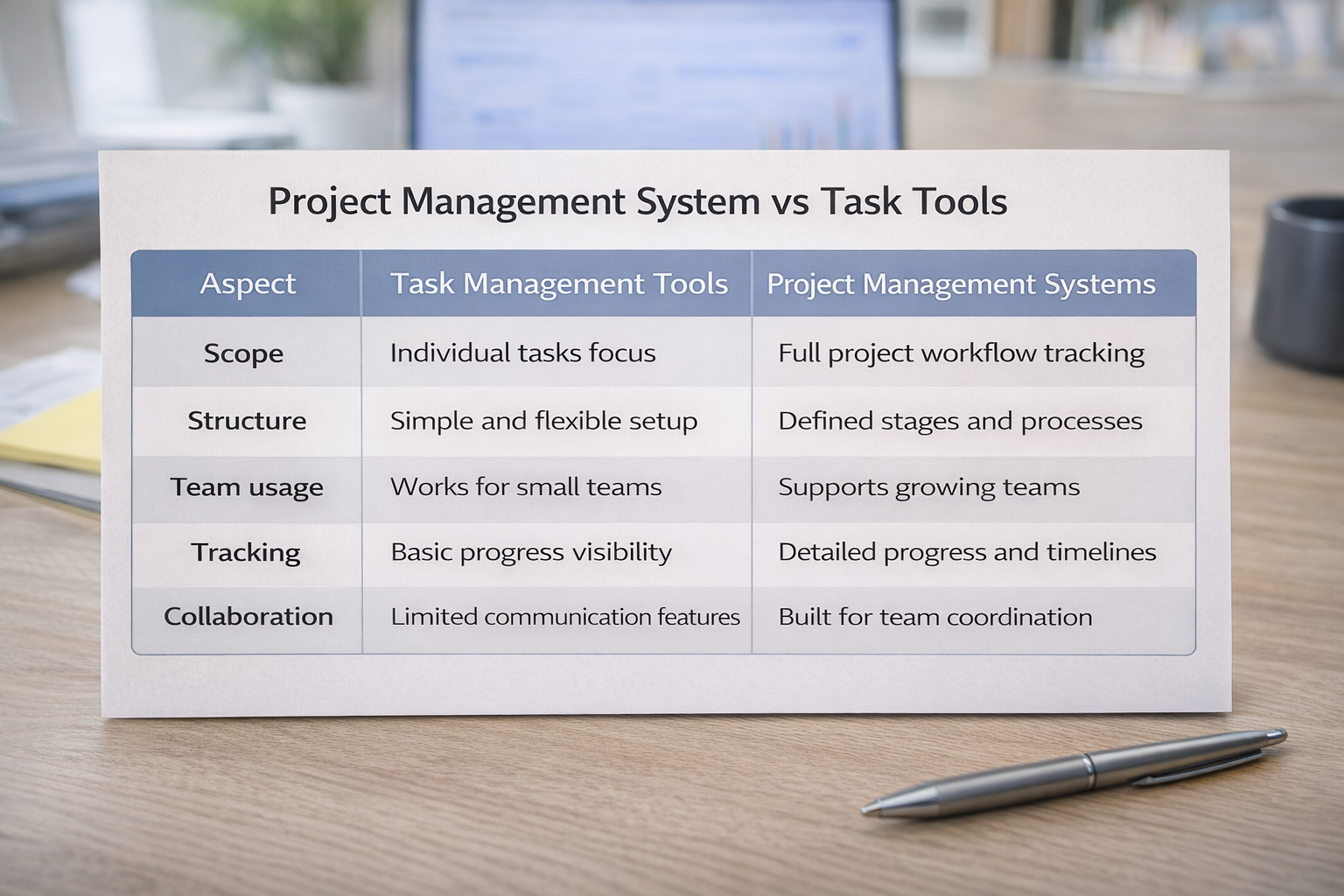
The main difference is structure. Task tools help you track work. Systems help you manage how work moves.
Aspect | Task Management Tools | Project Management Systems |
|---|---|---|
Scope | Individual tasks focus | Full project workflow tracking |
Structure | Simple and flexible setup | Defined stages and processes |
Team usage | Works for small teams | Supports growing teams |
Tracking | Basic progress visibility | Detailed progress and timelines |
Collaboration | Limited communication features | Built for team coordination |
Most teams start with task tools, but as work grows, they need a system to manage tasks across stages, people, and timelines more effectively.
When Task Tools Work Better
Task tools are useful in situations where simplicity matters most.
Managing personal or daily tasks
Small teams with limited workflows
Short projects without dependencies
Quick task tracking without setup
Teams that prefer minimal structure
When You Need a Full System
As work grows, task tools start to fall short. This is where systems become necessary.
Projects involve multiple team members
Work depends on task sequences
Deadlines need clear tracking
Teams need shared visibility daily
Processes require defined workflow stages
At this stage, Project Management Software helps bring structure and clarity.
How to Choose the Right Option
Instead of focusing on features, focus on your workflow.
Evaluate how your team tracks work
Identify if tasks depend on each other
Check how many people are involved
Understand if visibility is lacking
Choose based on real daily usage
The right Project Management Software should match how your team works.
Frequently Asked Questions
What is the main difference between task tools and project systems?
Task tools focus on tracking individual tasks, while project systems manage workflows, timelines, and team collaboration.
Can small teams use project management systems?
Yes, especially when work involves multiple steps, deadlines, and team members.
Are task management tools enough for growing teams?
They work at first, but growing teams usually need more structure and better tracking.
Do project management systems take longer to set up?
Yes, but they provide better clarity and long-term control over work.
Can you use both together?
Yes, some teams use task tools for quick tracking and systems for managing larger projects.
Related Posts

How to Get Teams to Use Project Management Software
Learn how to get your team to consistently use project management software. Improve adoption, build habits, and make the system part of daily work.
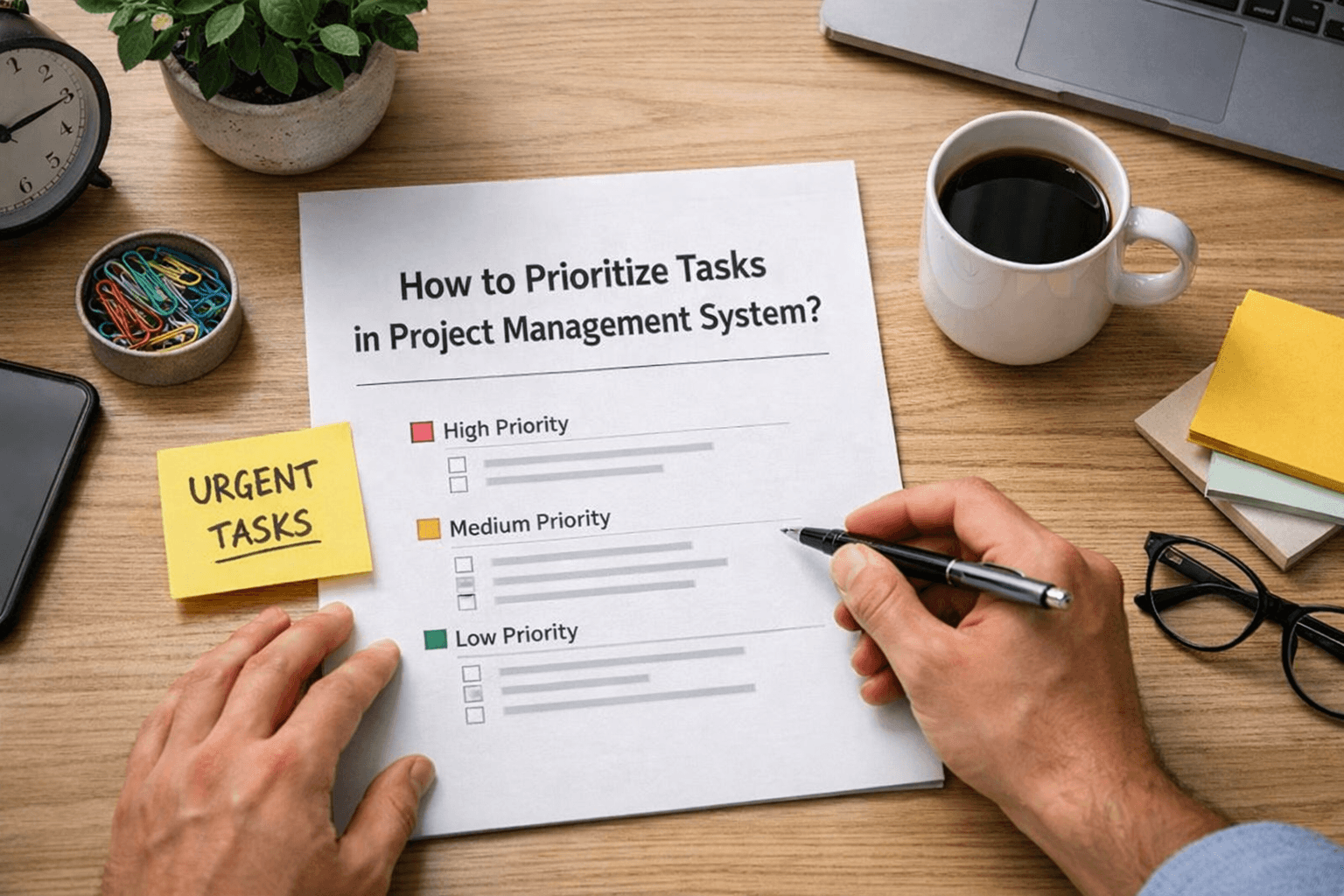
How to Prioritize Tasks in Project Management System
Learn how to prioritize tasks in a project management system. Understand what to focus on first and how to manage tasks without confusion or delays.