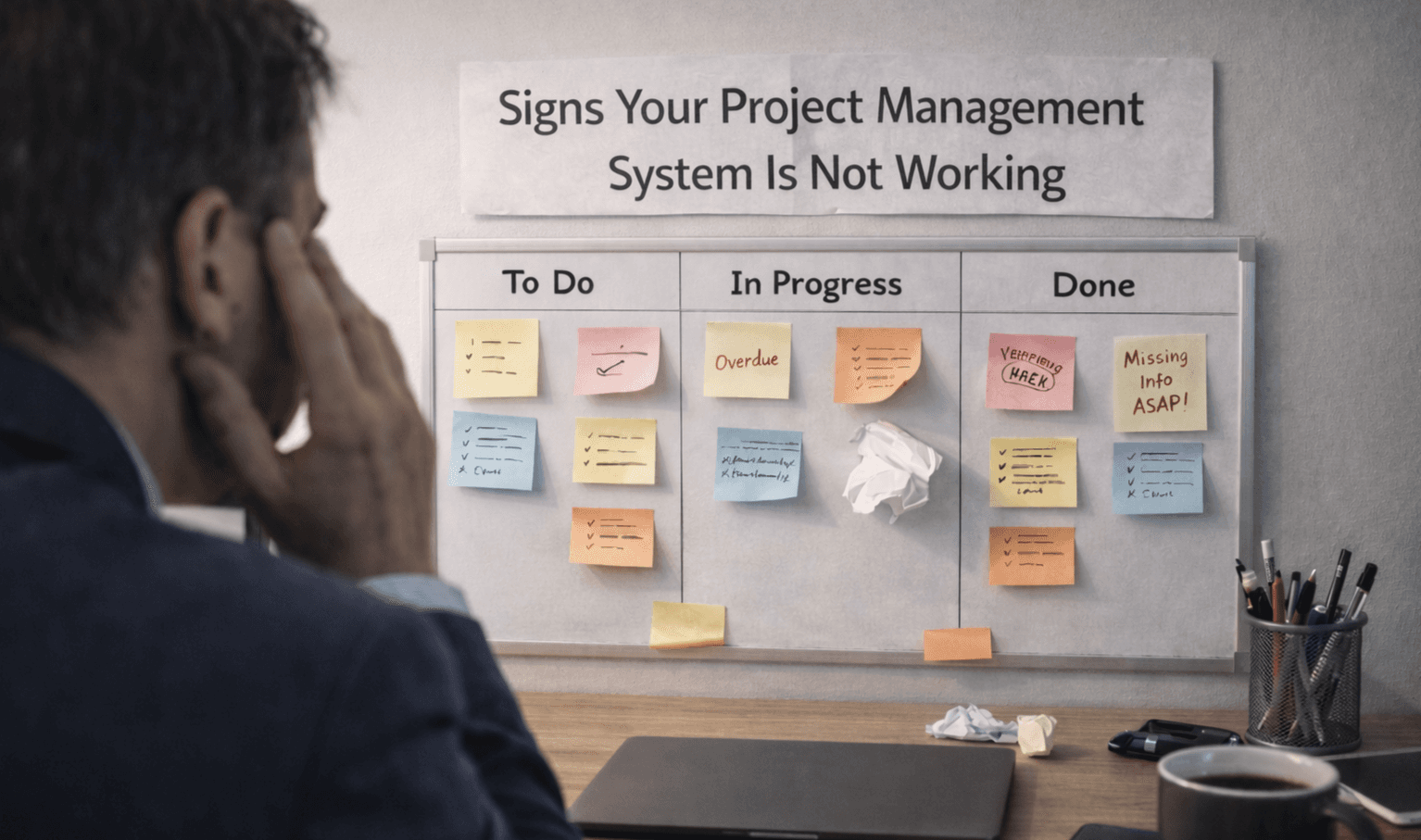

How to Set Up Project Management System That Works
Setting up a project management system is easy. Getting your team to actually use it is the hard part. Many teams introduce Project Management Software, but within weeks, usage drops and work shifts back to chats and emails.
The difference is not the tool. It is how the system is set up.
Start With How Your Team Already Works
Before choosing features or workflows, understand how your team handles tasks today.
Identify current task tracking methods used
Observe communication patterns within the team
List tools already used daily
Understand how deadlines are managed
Note gaps in the current workflow
This step ensures your Project Management Software fits your team instead of forcing change.
Keep the Workflow Simple From Day One
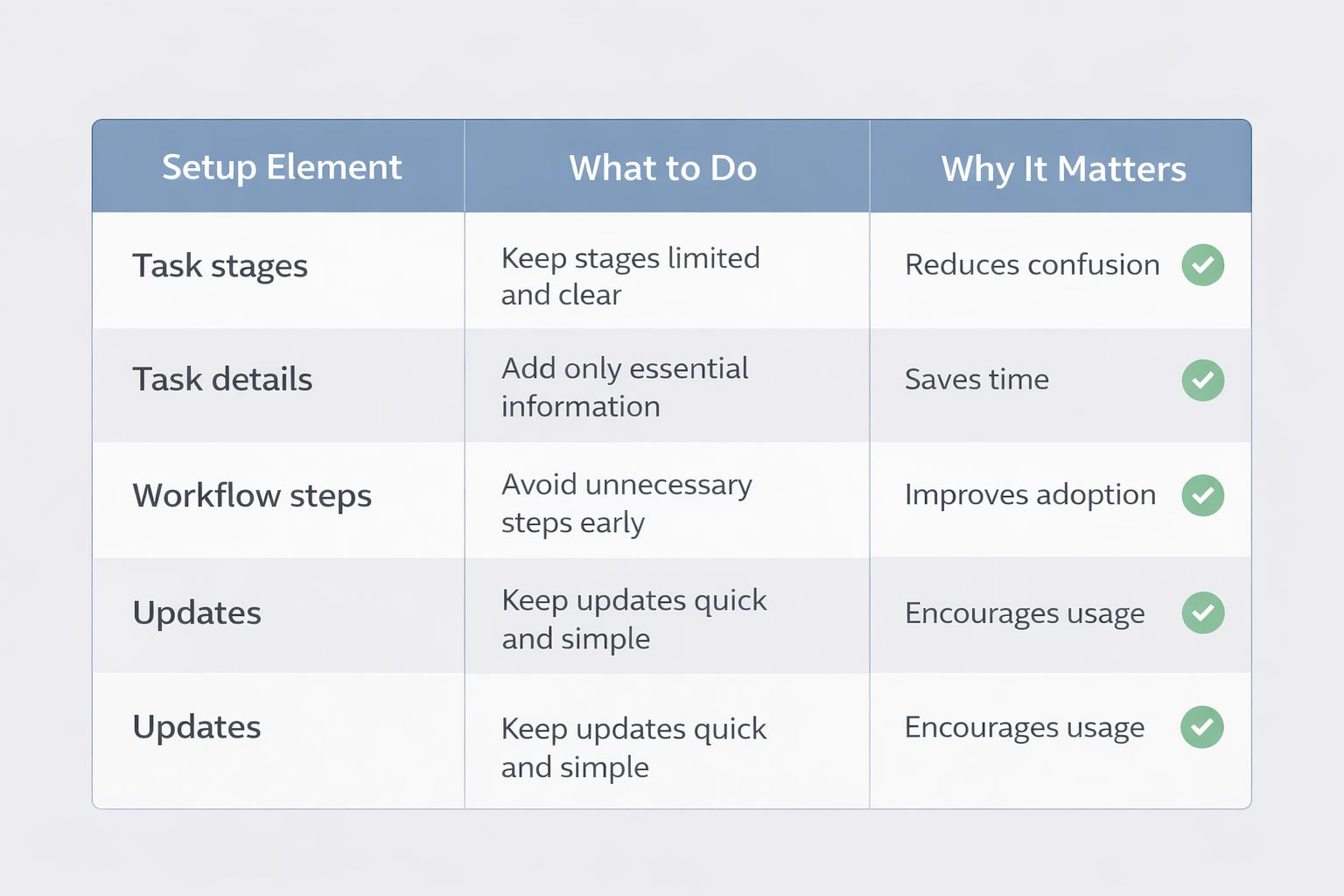
Complex setups create resistance. Start small and build only what is needed.
Setup Element | What to Do | Why It Matters |
|---|---|---|
Task stages | Keep stages limited and clear | Reduces confusion |
Task details | Add only essential information | Saves time |
Workflow steps | Avoid unnecessary steps early | Improves adoption |
Updates | Keep updates quick and simple | Encourages usage |
Simple systems are easier to follow and maintain.
Define Clear Ownership for Every Task
When ownership is unclear, work slows down. Every task should have one responsible person.
Assign one owner per task
Avoid shared task responsibility confusion
Set clear deadlines for each task
Make ownership visible to everyone
Track progress under one owner
This builds accountability and keeps work moving.
Make the System Part of Daily Work
The system should not feel like extra work. It should replace how work is currently tracked.
Use the tool during daily team updates
Track tasks instead of using chats
Update progress in real time
Reduce dependency on manual follow-ups
Keep communication inside the system
When Project Management Software becomes part of daily work, adoption improves naturally.
Avoid Overloading Features Early
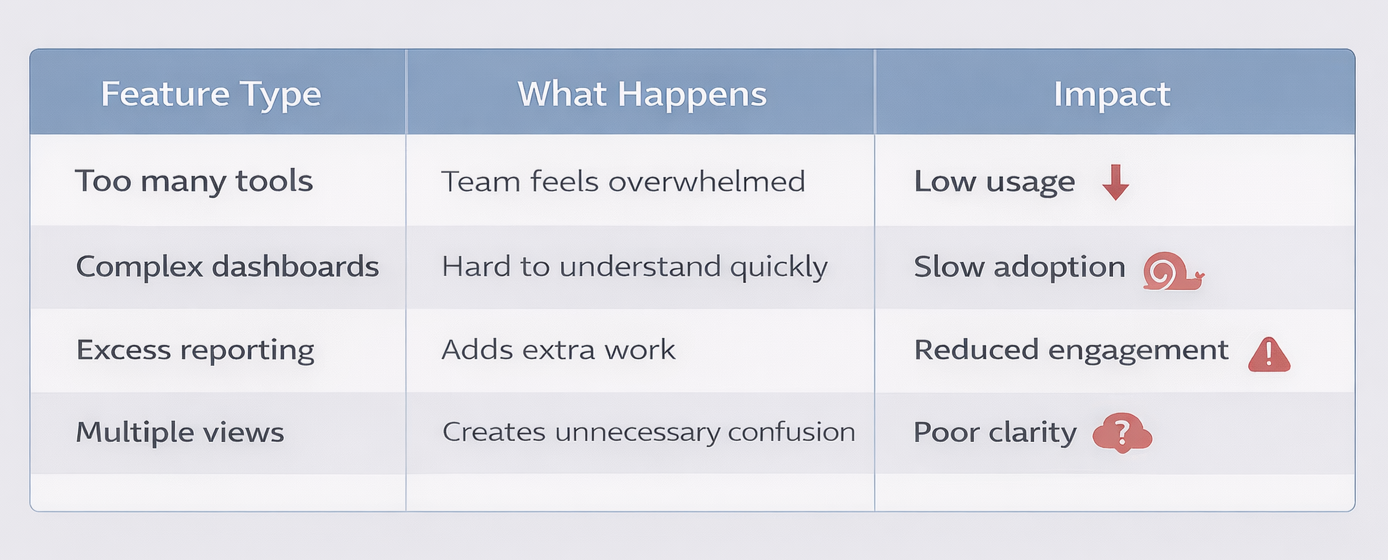
Many teams add too many features too soon. This creates confusion.
Feature Type | What Happens | Impact |
|---|---|---|
Too many tools | Team feels overwhelmed | Low usage |
Complex dashboards | Hard to understand quickly | Slow adoption |
Excess reporting | Adds extra work | Reduced engagement |
Multiple views | Creates unnecessary confusion | Poor clarity |
Train the Team With Real Examples
Training should be practical, not theoretical.
Show how tasks move step by step
Use real project examples for training
Walk through daily use scenarios
Keep training short and focused
Answer questions during live sessions
When people see how it fits their work, they are more likely to use it.
Review and Improve Regularly
No system is perfect from the start. Small improvements make a big difference.
Review workflow weekly with the team
Identify steps causing confusion
Remove unused features or stages
Adjust the system based on feedback
Keep the system aligned with real work
Over time, your Project Management Software becomes easier to use.
Signs Your Setup Is Working
You will know the system is effective when:
Team updates tasks without reminders
Work is visible across the team
Deadlines are followed more consistently
Less back-and-forth communication is needed
Tasks move smoothly across stages
Frequently Asked Questions
How long does it take to set up a project management system?
Basic setup can take a few hours, but proper adoption usually takes a few weeks as the team gets used to the workflow.
Why do teams not use project management software?
Most teams stop using it because the setup feels complex or doesn't match how they work day to day.
Should small teams use complex workflows?
No, simple workflows work better. Complex systems often reduce adoption and slow down daily work.
How do you improve team adoption?
Make the system part of daily work, keep it simple, and ensure every task has clear ownership.
Can you change the system after setup?
Yes, and you should. Reg55rular updates based on team feedback help keep the system useful and relevant.
Related Posts

How to Get Teams to Use Project Management Software
Learn how to get your team to consistently use project management software. Improve adoption, build habits, and make the system part of daily work.

How to Prioritize Tasks in Project Management System
Learn how to prioritize tasks in a project management system. Understand what to focus on first and how to manage tasks without confusion or delays.