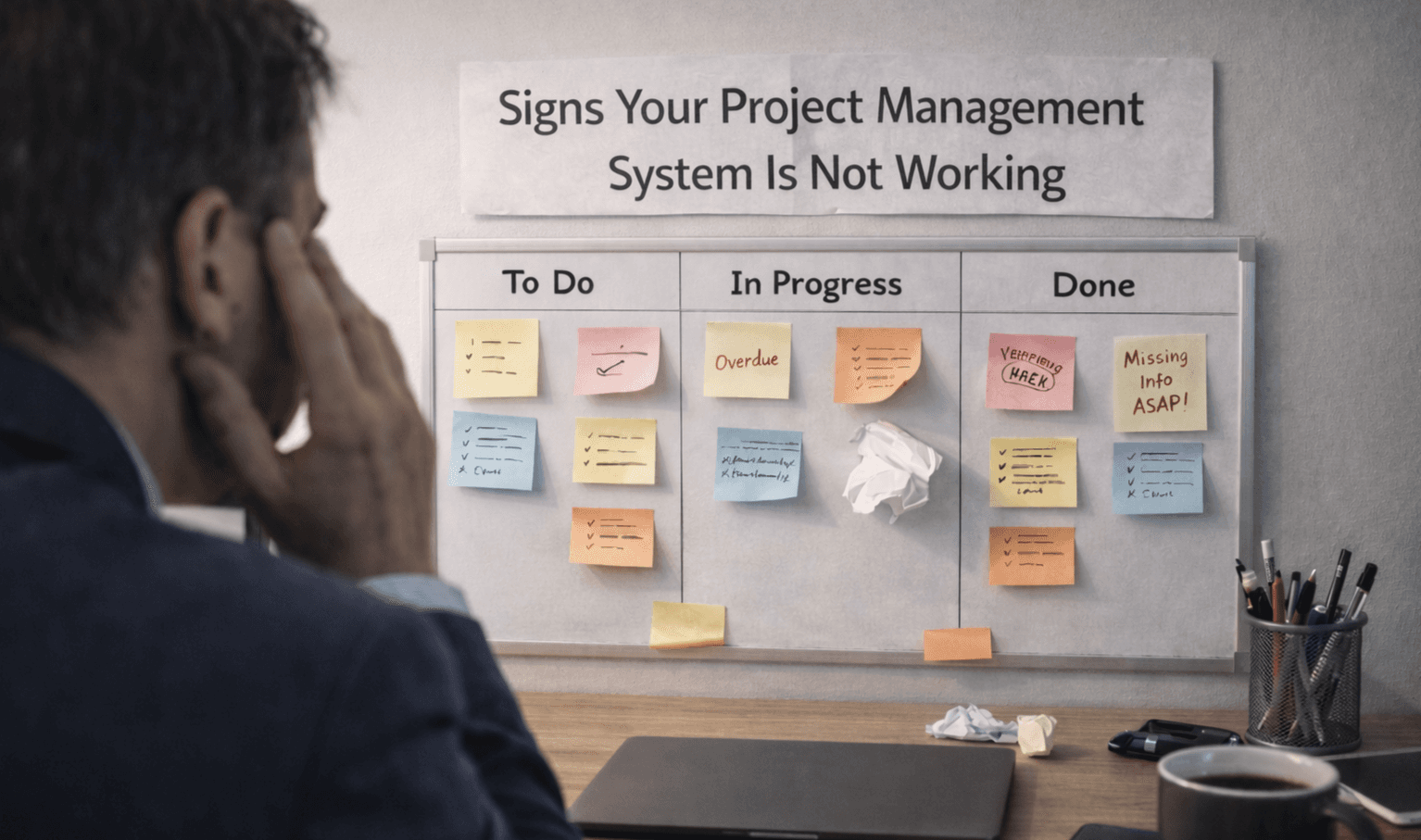

Track Team Productivity Using Project Management
Tracking productivity is not about watching people. It is about understanding how work moves, where delays happen, and how tasks get completed.
A well-structured Project Management Software setup helps you see this clearly. It gives visibility into progress without adding pressure, making it easier to track real output.
What Productivity Actually Means in Teams?
Productivity is not about doing more tasks. It is about completing the right work efficiently.
Tasks completed within set deadlines
Work moving smoothly across stages
Minimal delays between task handoffs
Clear ownership for every task
Balanced workload across team members
When these are visible, Project Management Software becomes a reliable way to track performance.
Key Metrics You Should Track:
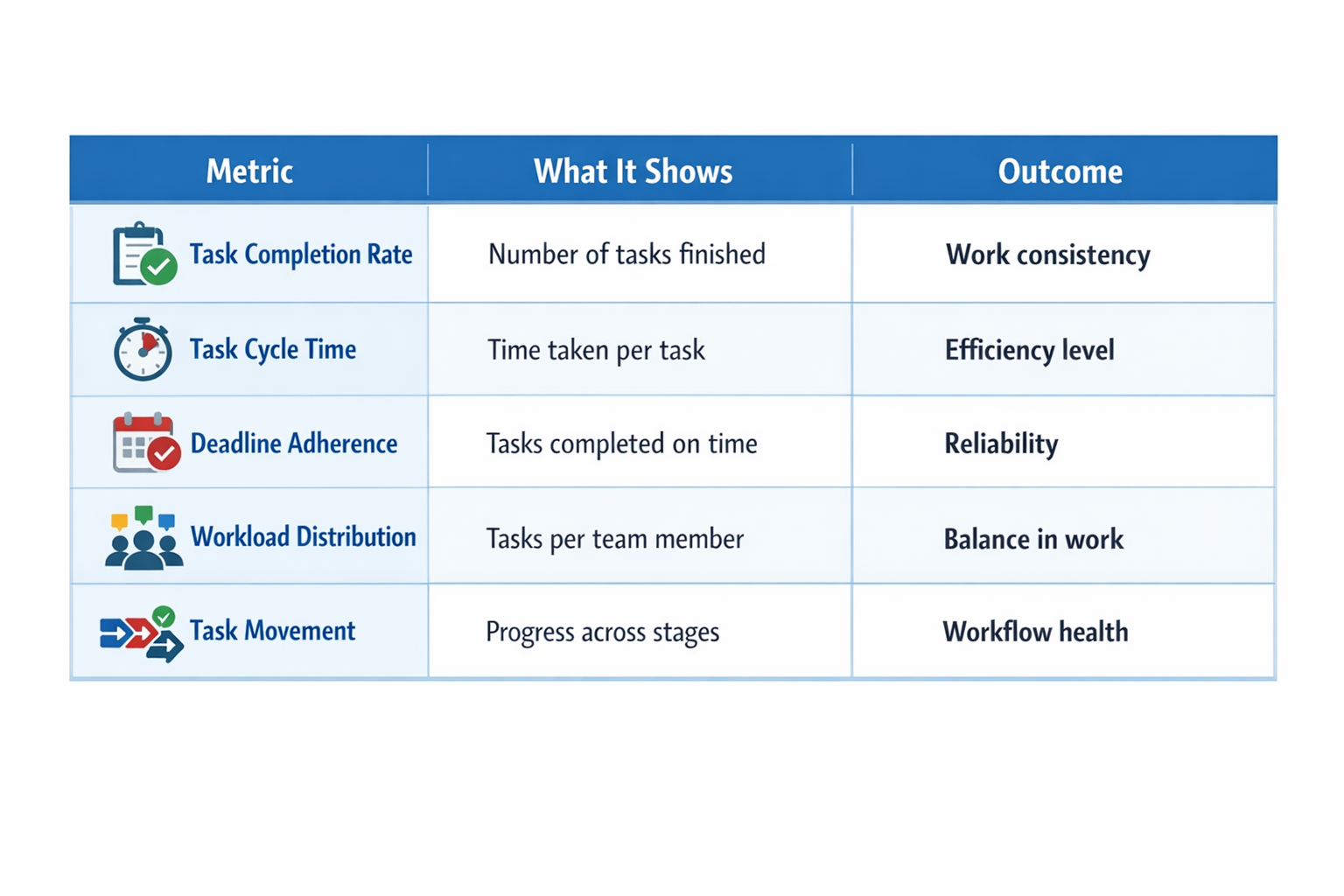
Instead of tracking everything, focus on what reflects real work.
Metric | What It Shows | Outcome |
|---|---|---|
Task completion rate | Number of tasks finished | Work consistency |
Task cycle time | Time taken per task | Efficiency level |
Deadline adherence | Tasks completed on time | Reliability |
Workload distribution | Tasks per team member | Balance in work |
Task movement | Progress across stages | Workflow health |
These metrics help you see how work is moving, not just how much is being done.
How to Track Team Productivity in a Simple Way
You do not need multiple methods. Most teams track productivity by focusing on a few simple actions inside their Project Management Software.
Use task status instead of follow-ups
Track how tasks move across stages
Keep all work inside one system
Ensure tasks are updated regularly
Use dashboards for quick visibility
At the same time, look for where work slows down.
Tasks are stuck in one stage
Delays between task handoffs
Uneven workload across team members
Repeated deadline misses in tasks
Frequent task switching or reassignment
Make Work Visible Across the Team
Visibility improves accountability and reduces confusion. When all tasks are tracked in one system and updated regularly, teams do not need constant follow-ups. Using boards or lists helps everyone see progress, while sharing updates during meetings keeps work aligned. This makes it easier for teams to stay on track without extra effort.
Signs Your Tracking System Is Working
You will know your system is effective when things feel smoother, not heavier.
Team updates tasks without reminders
Work progress is visible at any time
Deadlines are met more consistently
Less back-and-forth communication is needed
Issues are spotted before they grow
At this stage, Project Management Software is helping your team work better, not just track work.
Frequently Asked Questions
How do you measure team productivity in project management?
You measure it by tracking task completion, deadlines, and workflow progress, rather than focusing only on time spent.
What metrics are best for tracking productivity?
Task completion rate, cycle time, and deadline adherence are the most useful metrics.
Does project management software improve productivity?
Yes, it improves visibility and helps teams manage work more effectively when used consistently.
How often should productivity be tracked?
Daily tracking works best, with weekly reviews to identify patterns and improve workflows.
Can tracking productivity reduce team performance?
Yes, if done incorrectly. Overtracking or focusing too much on activity can reduce motivation.
Related Posts

How to Get Teams to Use Project Management Software
Learn how to get your team to consistently use project management software. Improve adoption, build habits, and make the system part of daily work.

How to Prioritize Tasks in Project Management System
Learn how to prioritize tasks in a project management system. Understand what to focus on first and how to manage tasks without confusion or delays.