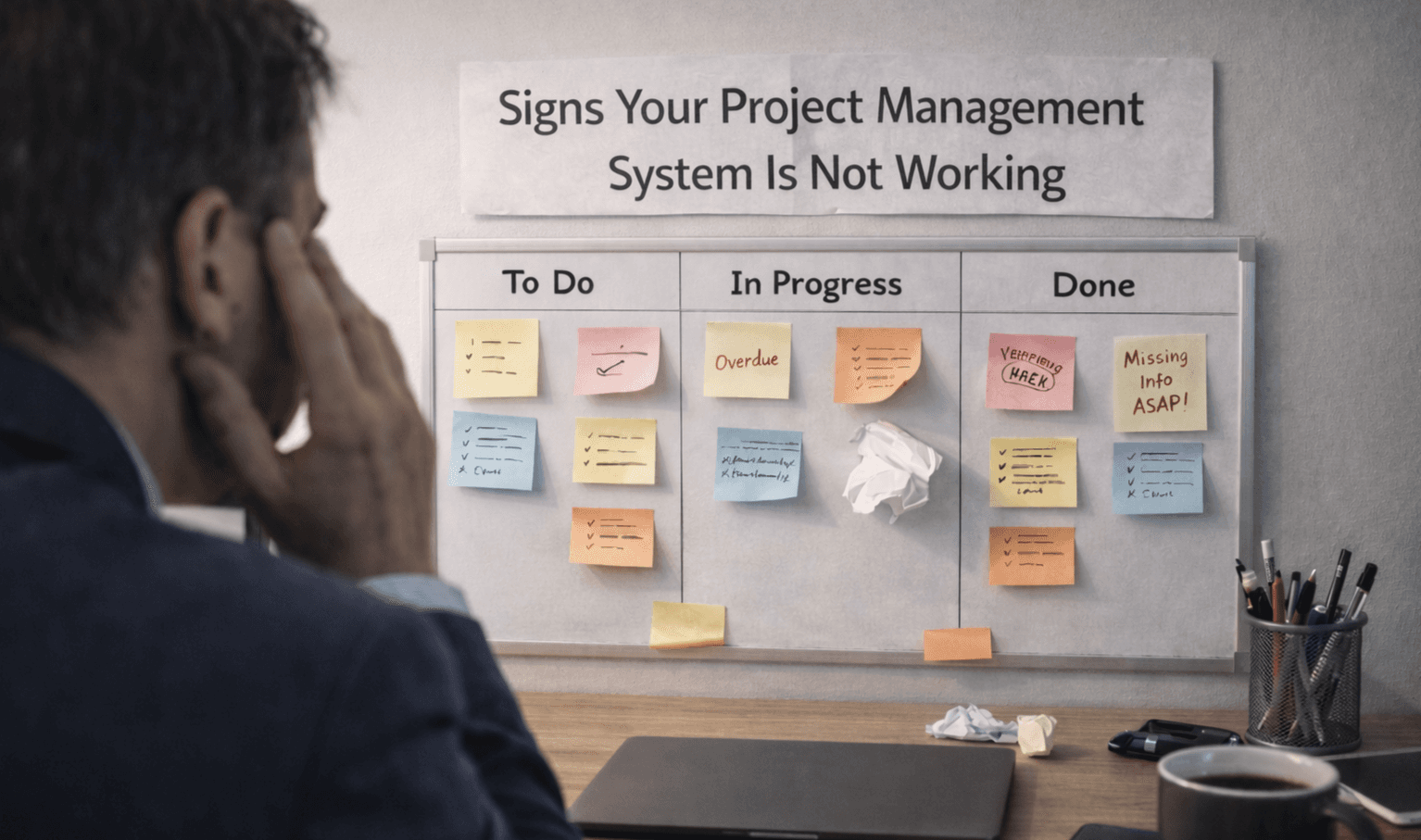

Why Project Management Systems Fail After Setup
Many teams adopt a Project management system to improve organisation, clear task tracking, and team productivity. At the start, everything looks structured. Tasks are assigned, workflows are created, and dashboards are in place.
But after a short time, the system begins to lose value. Updates slow down, tasks get missed, and teams shift back to chats and emails. This is where most Project Management Software fails, not because of the tool itself, but because of how it is set up and used.
Common Reasons Project Management Systems Fail
Most failures come from avoidable mistakes during setup and daily use.
Overcomplicated workflows from the beginning
No clear ownership of tasks assigned
Lack of team training and onboarding
Too many features with no clarity
Poor integration with the daily tools used
No regular updates or system reviews
These issues make even reliable Project Management Software feel difficult to use.
What Teams Get Wrong During Setup?
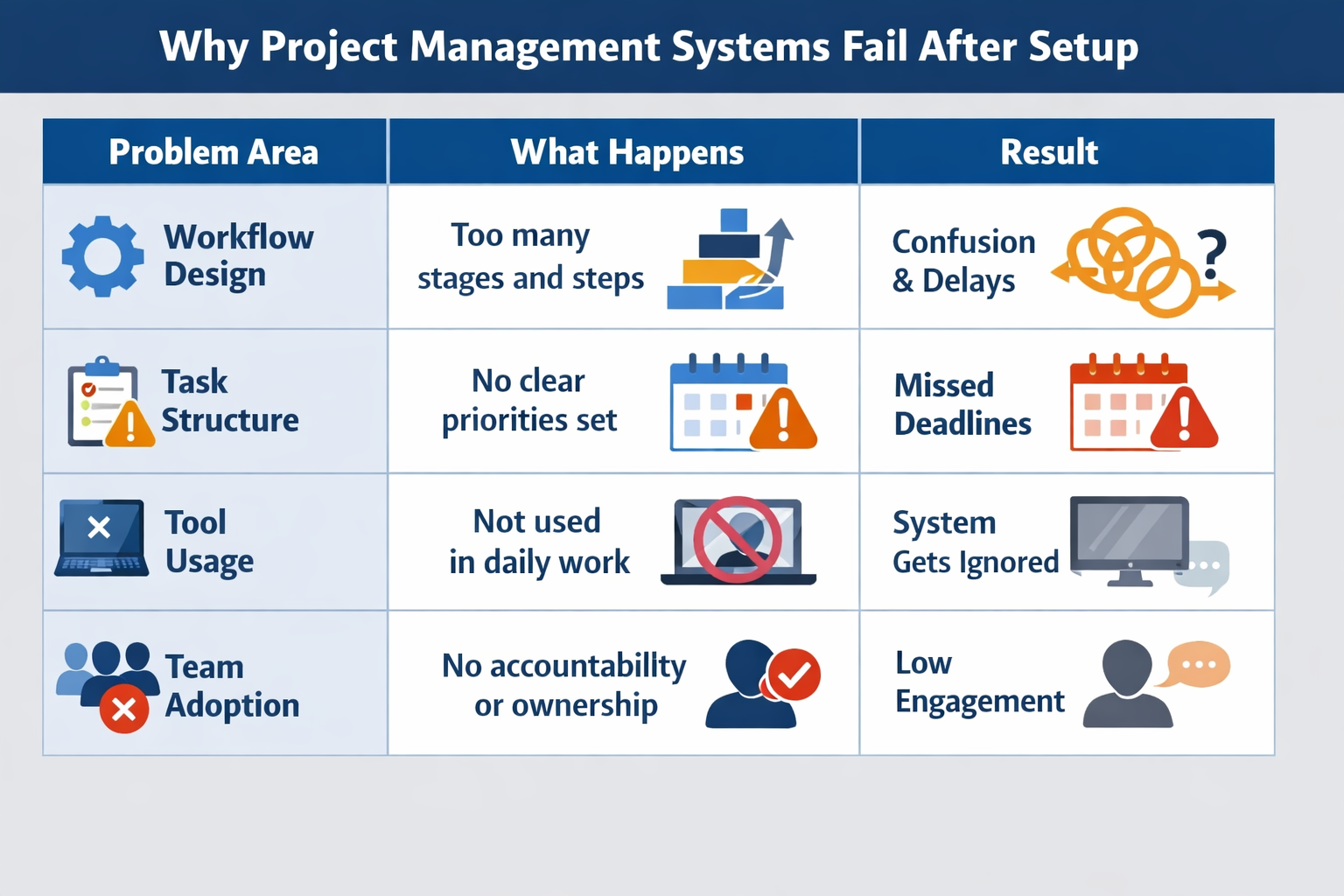
A common mistake is trying to build a perfect system right away. Teams often create complex workflows without understanding how their work actually flows.
Problem Area | What Happens | Result |
|---|---|---|
Workflow design | Too many stages and steps | Confusion and delays |
Task structure | No clear priorities set | Missed deadlines |
Tool usage | Not used in daily work | System gets ignored |
Team adoption | No accountability or ownership | Low engagement |
When the setup does not match real work patterns, the system becomes difficult to maintain.
Signs Your Project Management System Is Not Working
These signs often show up early and are easy to miss.
Tasks updated only during meetings
Team members avoid using the tool
Work tracked outside the system
Deadlines missed despite tracking tools
Managers rely on manual follow-ups
When this happens, your Project Management Software is not part of the team’s daily workflow.
In most cases, the fix is not switching to a different tool. Keeping workflows simple, assigning clear ownership, and aligning the system with daily work usually makes a noticeable difference.
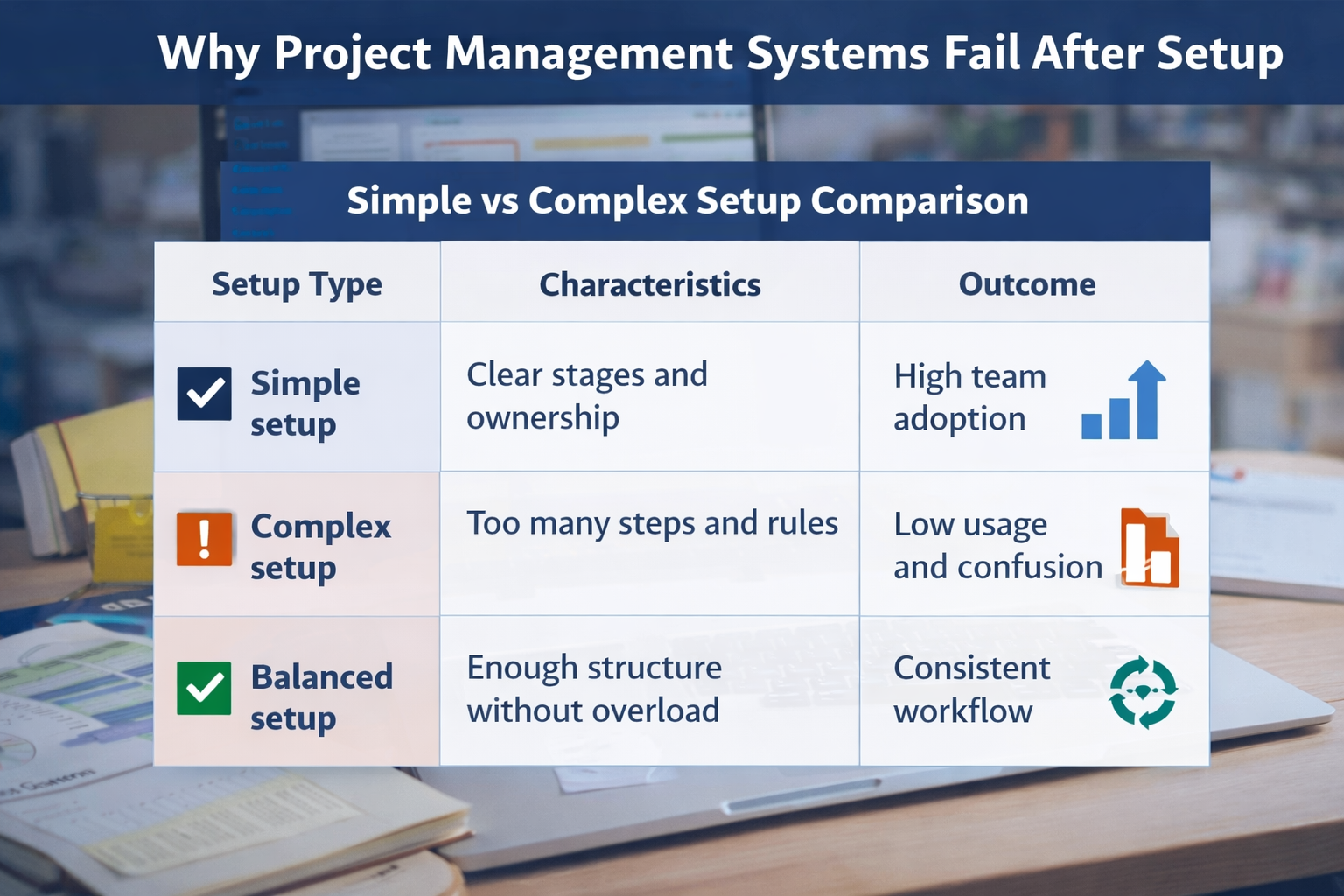
Here’s how simple and complex setups differ in real team environments:
Setup Type | Characteristics | Outcome |
|---|---|---|
Simple setup | Clear stages and ownership | High team adoption |
Complex setup | Too many steps and rules | Low usage and confusion |
Balanced setup | Enough structure without overload | Consistent workflow |
Most teams see better results when the system stays simple and aligned with how they already work.
Frequently Asked Questions
Why do project management systems fail after setup?
They fail mainly due to complex workflows, low team adoption, and a lack of clear task ownership.
How can you tell if a system is not working?
If tasks are not updated regularly and teams rely on chats or emails instead, the system is likely not working properly.
Is the problem with the software or the setup?
In most cases, the issue lies in how the system is set up and used, not the software itself.
Do small teams need project management software?
Yes, but only if the setup is simple and matches their workflow. Overly complex systems often slow small teams down.
Why do teams stop using project management tools?
Teams stop using them when they feel time-consuming or disconnected from daily work processes.
Related Posts

How to Get Teams to Use Project Management Software
Learn how to get your team to consistently use project management software. Improve adoption, build habits, and make the system part of daily work.

How to Prioritize Tasks in Project Management System
Learn how to prioritize tasks in a project management system. Understand what to focus on first and how to manage tasks without confusion or delays.